
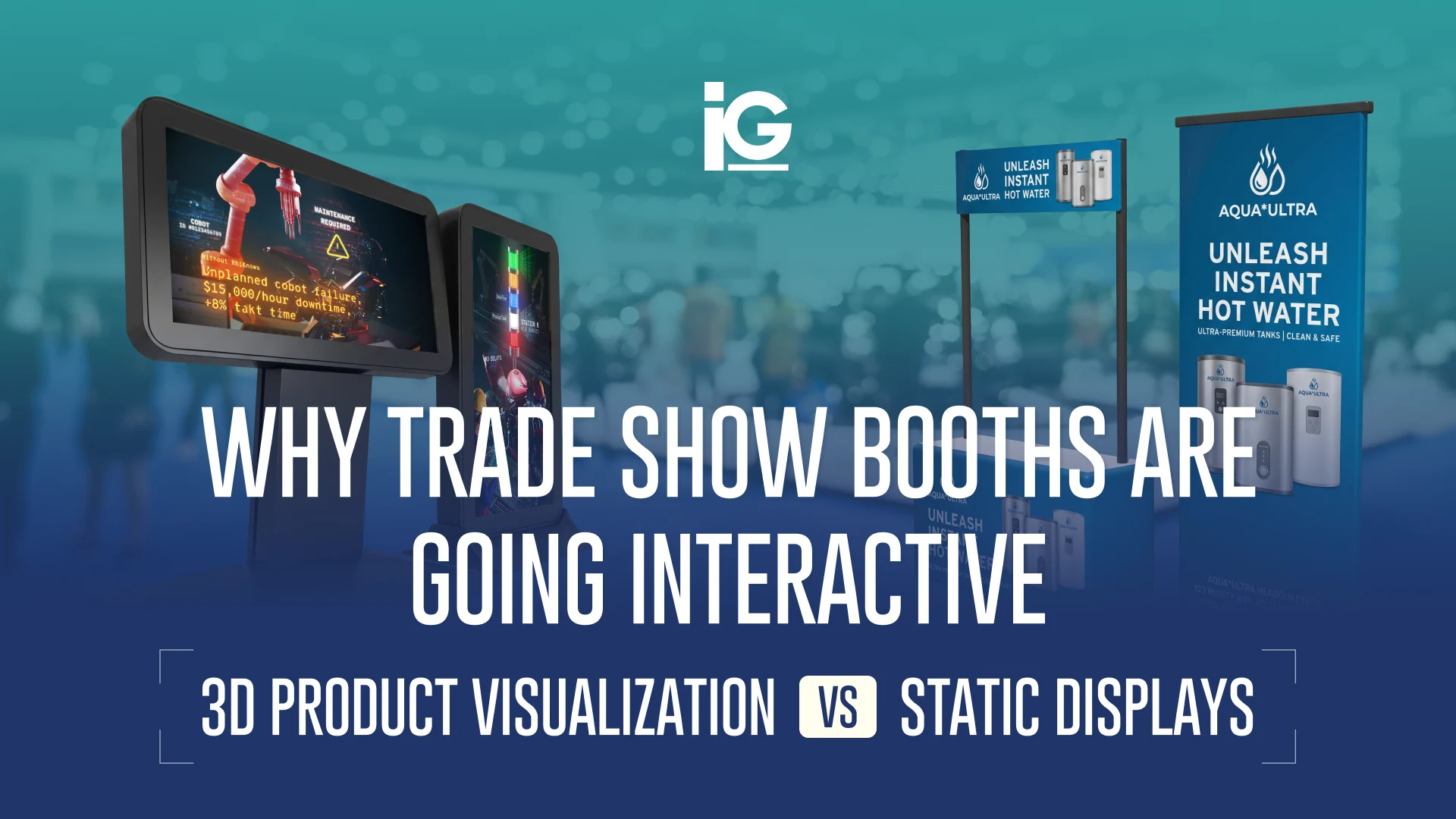
The best trade show booths today don’t simply display products — they let prospects experience them. As industrial products become more sophisticated, manufacturers are turning technical into tangible by replacing static booth graphics with interactive product visualization. It’s a shift that allows them to explain complex technology clearly on a show floor and turn every passing glance into real conversations.
Why Static Booth Displays Lose Attention fast
Trade shows are one of the most competitive marketing environments you’ll encounter. Every attendee is surrounded by hundreds of competing signs, products, and demonstrations. Since the brain cannot process everything at once, it filters out anything that doesn’t immediately stand out.
A study using eye-tracking technology found that distraction and sensory overload limit the number of visual fixations each booth receives. Instead of evaluating every exhibit, they subconsciously scan for something that feels new, relevant, or worth a second look. Booth design research in this space generally points to the same pattern: elements that break visual monotony (motion, depth, or a chance to interact) tend to hold a gaze longer than flat and static panels.
The challenge isn’t simply getting noticed — it’s helping attendees understand why your product is different before they walk away.
This is one reason many exhibitors incorporate 3D animation into their booth experience. Motion helps manufacturers explain complex mechanisms in seconds while naturally drawing visitors into the conversation.
Three Ways Manufacturers Are Making Complex Products Easier to Understand
Across the booths we’ve helped build, exhibitors switching away from static graphics typically combine three formats, often matched to a different job on the same booth. It’s a pattern we see most often among industrial equipment, medical devices, and energy or technology manufacturers — categories where a product’s real value is hard to grasp from a spec sheet.
| FORMAT | BEST FOR | OTHER USES |
|---|---|---|
| Interactive 360° Viewer | Earning active engagement on a tabletop unit with a lot of moving parts | Post-sale training and service documentation |
| Photorealistic 3D Renders | Backwall graphics, banners, printed collateral, or pre-production variants | Product catalogs |
| Product Animation | Explaining internal mechanisms or installation steps without a staff member repeating it all day | Sales presentations and explainer videos |
1. Interactive 360° Product Viewers
Some products need more than a quick glance. A 360° viewer gives trade show attendees the freedom to explore a product at their own pace. Through a touchscreen or tablet, they can open panels to see how components fit together, switch between configurations to compare models side by side, or tap hotspots that surface specs and details a static image can’t show. It turns a passive walk-by into a guided yet self-directed discovery where the visitor decides what they want to understand and the product viewer shows them.
This format is built for booths that need to actively earn a visitor’s attention, especially for products where the differentiator lies in the internal engineering. The same assets can also support customer training and service documentation after the event. Learn more in Interactive Documentation for Industrial Machinery.
2. Photorealistic 3D Renders
Photorealistic renders allow manufacturers to begin marketing products long before production units are available. They make it possible to visualize products that haven’t entered production, compare multiple product variations, or illustrate internal assemblies with cutaway and exploded views. They’re commonly used on trade show visuals, banners, handouts, and product displays. You’ll find more examples in Get Photorealistic 3D Visuals for Your Product Catalog.
3. On-Screen Product Animations
Product animation transforms engineering into visual storytelling, helping buyers understand value far faster than technical specifications alone. Instead of asking visitors to imagine how a product works, it can visualize processes that are otherwise invisible, like internal operation, moving components, or a sequence that would normally require cutting the unit open. Most exhibitors use this to explain internal operation, demonstrate installation, walk through maintenance procedures, or compare competitive advantages side by side against a legacy model or a rival product.
Since the animation plays continuously, visitors can understand the basics before speaking with your team. This shortens the sales conversation that follows instead of starting it from zero. It also reduces how often your staff has to repeat the same explanation over the course of the show.
Our blog on 3D Animation Agency for Industrial Equipment Explainer Videos takes a closer look at how these animations are created and used.
These formats are not meant to replace every printed static graphic. It’s about using the right visual format where it has the biggest impact. Choosing the right mix helps visitors understand your product faster and gives your team a stronger starting point for conversations.
How to Get Trade Show Attendees’ Attention in 10 Seconds
The formats above aren’t just theories and ideas. They’re some of the most proven ways to break the scan-and-move-on pattern most booths get caught in. Motion, depth, and the ability to interact with a product naturally encourage visitors to pause, take a closer look, and start exploring.
That’s the test worth running on your own booth before your next show: would it actually stop someone in the first ten seconds, or would it just be part of the scenery?

Build From the Same CAD You Already Have
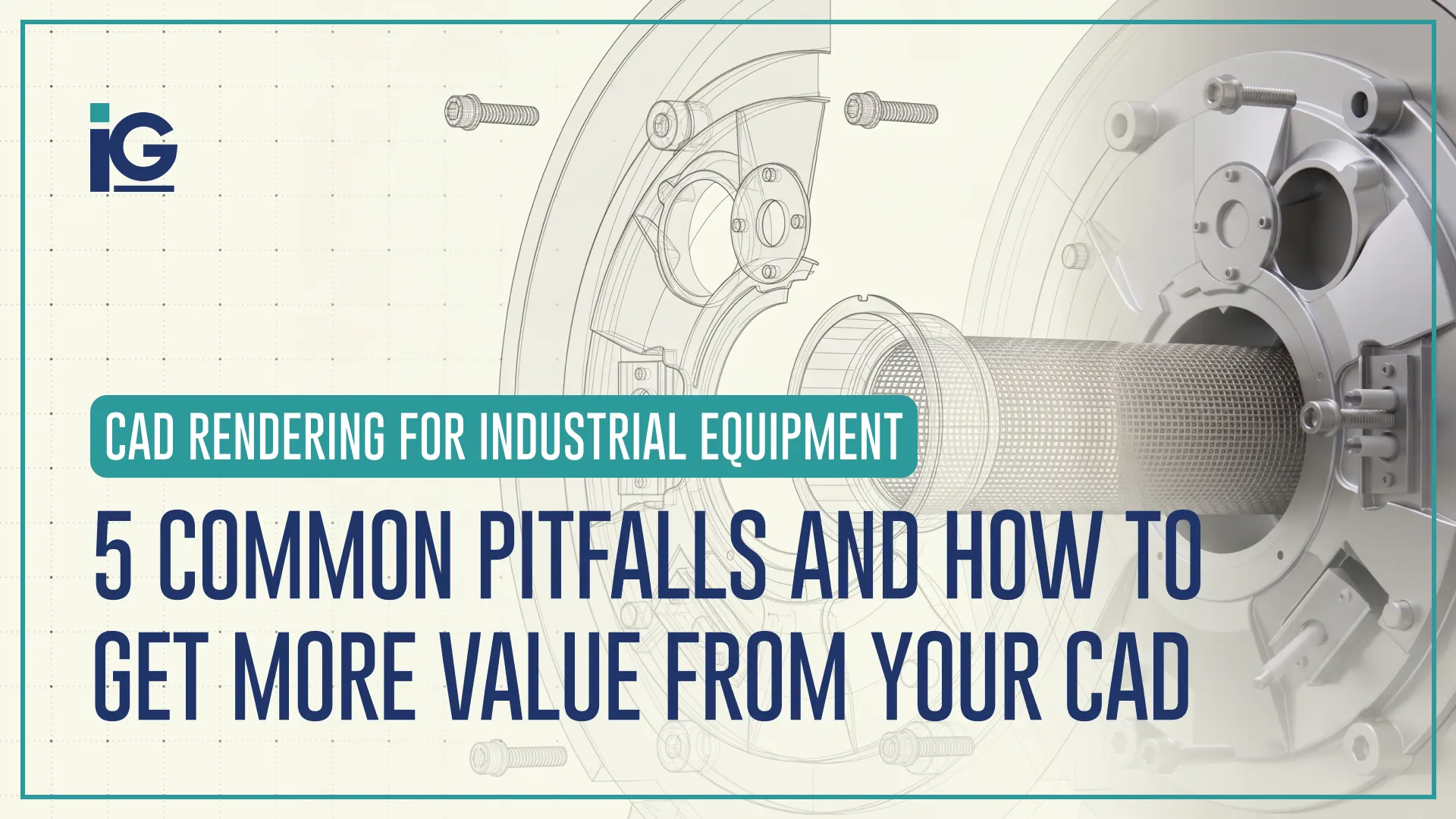
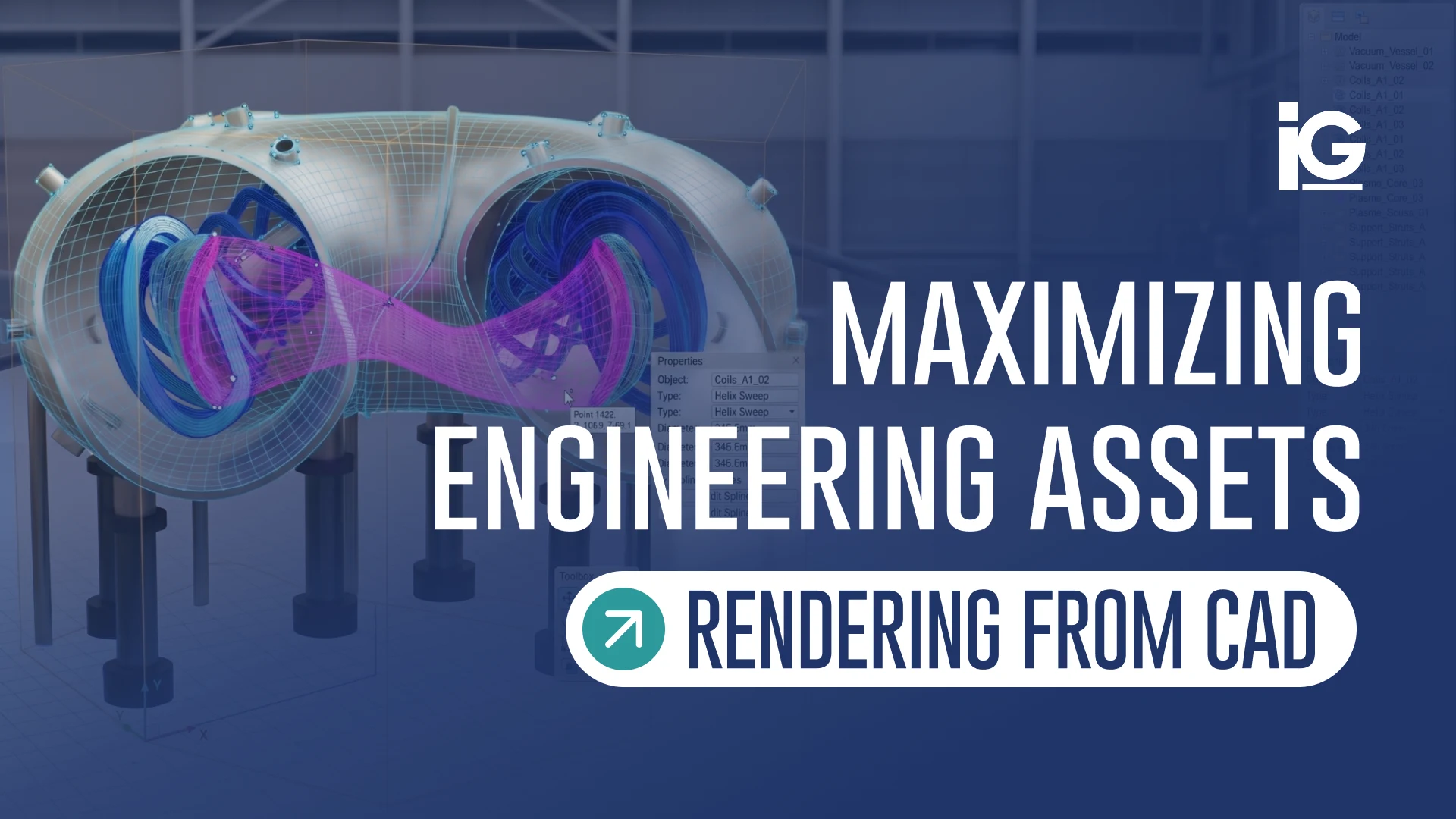
CAD files are often classified as just engineering documents. In reality, they’re one of the most valuable marketing assets your company already owns. If your product has already been designed in CAD, you’re likely closer to creating trade show visuals than you think.
A single CAD model can be reused across your marketing efforts instead of creating new visuals from scratch for every campaign. The same file can power photorealistic product renders, animations for digital displays, interactive 3D experiences, website visuals, sales presentations, product launches, and even future catalogs. All without new photography, a physical prototype, or shipping a unit to a studio.
That reuse is where the real ROI shows up. A CAD investment engineering already made once now funds three separate booth assets instead of three separate budgets. Since they all trace back to the same file, updating one for a new show or a spec change doesn’t mean rebuilding the others from scratch. It’s how manufacturers maximize trade show ROI without maximizing trade show spend.
That’s the same asset-reuse approach behind the Industrial Machinery Visualizations we do at Info-Graphics. One CAD file becomes a catalog render, a booth animation, and an interactive viewer, without redoing the underlying 3D work for each one.
How Far Ahead You Need to Start
Trade show preparations follow a different timeline compared to most marketing initiatives. A website launch can slip a week if it needs to. A trade show date is fixed; the show goes live whether your booth is ready or not.
How much lead time you need depends on what you’re creating. Photorealistic renders are usually the quickest. Once the CAD model is complete, they can often be produced in just a few days. While product animations might take more time, every movement, transition, and camera angle needs to be planned and refined. But among the three, interactive product viewers generally require the most time. Since visitors can rotate and inspect the model from any angle, every detail needs to look right
Starting with CAD early has an added advantage beyond the show itself. It lets marketing teams begin building launch assets months before a physical prototype or professional photography would even be possible. A render or animation doesn’t need to wait on manufacturing to hit a milestone. It can move at your engineering team’s pace.
However, exact timelines depend on your model’s complexity plus the review and approval process. The fastest way to get a real timeline is to talk to Info-Graphics directly. Tell us your show date, and we’ll map out a realistic schedule from there.
The Best Booths Don’t Just Attract Visitors, They Educate Them
The most successful trade show experiences don’t rely on giveaways or flashy screens. They help prospects quickly understand why a product matters. When technical products become easier to understand, conversations become more productive, sales teams spend less time explaining fundamentals, and visitors leave with greater confidence in the solution.
If your engineering team already has CAD models, you’re likely much closer to creating launch-ready trade show content than you realize. At Info-Graphics, we help manufacturers transform existing engineering assets into product renders, animations, interactive experiences, training content, and sales tools — all from the same technical foundation.
More value from your engineering investment. More impact from every trade show.
Frequently Asked Questions
1. What is trade show product visualization?
Trade show product visualization is the use of 3D renders, interactive viewers, and animation to display products at a trade show booth. For a broader definition beyond trade shows specifically, see What Is Technical Product Visualization?
2. What’s the difference between a 3D render, product animation, and an interactive viewer for a trade show booth?
A render is a still image, best suited for backwall graphics and printed collateral. An animation is a looping video that explains how something works without a staff member repeating the same pitch all day. An interactive viewer is touch-controlled, letting a visitor rotate and explore a product themselves.
3. How does 3D product visualization compare in cost to a traditional booth display?
A single CAD-based asset can typically be reused across multiple shows, booth sizes, and marketing channels, where a physical display or printed graphic set is usually a one-time, single-show cost. Exact cost depends on the format and complexity involved — reach out and we can scope it against your specific booth.




Leave A Comment