
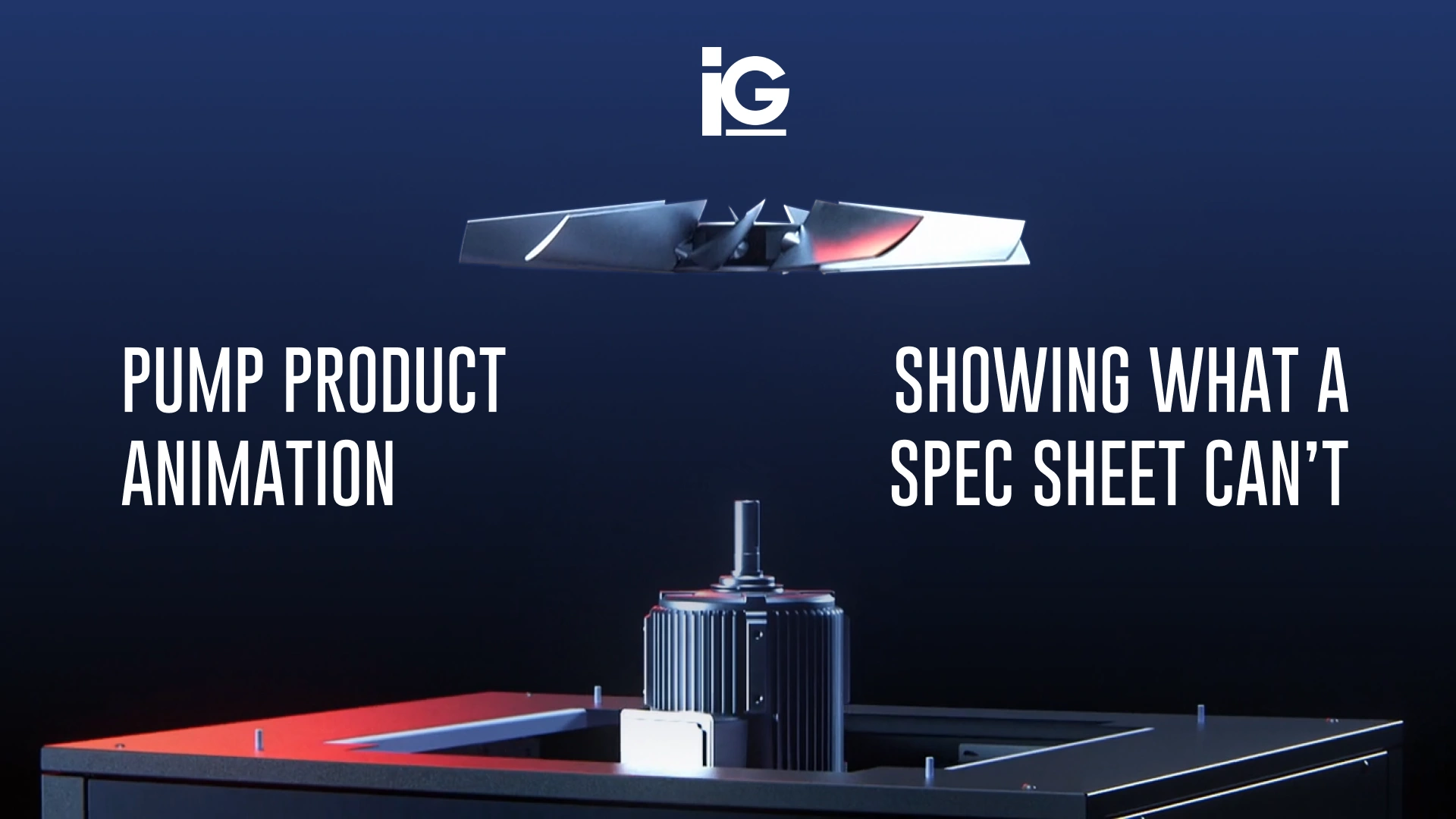
A pump spec sheet packs a lot of information into one page, from flow rate, total dynamic head, horsepower, NPSH required, materials, seal type, and a performance curve. A pump engineer may know exactly what those specifications mean. But for facility managers, contractors, sales teams, and other stakeholders, understanding how those numbers translate into real-world operation can require additional context.
With product animation, the engineering data behind that sheet is put in motion. Facility managers can see how liquids move through the volute and contractors visualize how the impeller spins up. Plus, your sales teams gain a visual tool that helps them explain not only how the product works, but why its design and performance matter.
What Is Pump Product Animation?
Pump product animations use 2D or 3D animated content based on a pump’s engineering or performance data to show how it works, including its components, internal mechanisms, fluid flow, and operating process.
Unlike static product images or technical diagrams, it can show what happens inside the pump while it is operating. Most pump animations illustrate:
• How the design works: How liquid enters the impeller eye, gains energy, and exits through the discharge, including what makes the pump’s design different.
• The performance: What the numbers on the pump curve mean when the pump is operating in a real system.
• Installation and lifecycle support: A step-by-step look at installation, commissioning, operation, and maintenance.
It is just one part of a broader discipline. You can learn more about the full category in our guide to product visualization and why manufacturers need it.
What a Spec Sheet Tells You and What Animation Shows You
A spec sheet does a good job of telling you what a pump can do. It communicates the data engineers and buyers rely on: flow, head, efficiency, NPSH, dimensions. However, it cannot show you exactly how the pump is doing it. In similar products where everything happens inside a sealed casing, animation makes those hidden processes visible. Animation adds visual context, showing how components interact, what happens, and how operating conditions affect performance.
The two actually work best together. Here’s how each one communicates pump performance and operation.
Turning Pump Specs into Visual Explanations
| Pump Specification | What It Tells You | What Animation Can Show |
|---|---|---|
| Flow and Head (the pump curve) | The pump’s expected performance at different flow rates and the selected operating point. | How the pump curve and system curve intersect, and how the operating point changes as system conditions change. |
| Best Efficiency Point (BEP) | The flow rate and head where the pump operates at its highest efficiency. | What happens when the pump operates away from BEP, such as increased recirculation, hydraulic losses, and vibration. |
| NPSH Required | The NPSH the pump needs at a given flow to avoid unacceptable cavitation. | How low suction conditions can cause vapor formation near the impeller eye and how adequate suction conditions help prevent it. |
| Impeller Type and Diameter | The impeller’s size and geometry, which influence pump performance and application suitability. | How the impeller moves liquid and how different designs affect the flow path and solids-handling capability. |
| Seal Type | The sealing arrangement used to control leakage around the pump shaft or other interfaces. | Where the seal sits, how its components work together, and how it helps contain the pumped fluid. |
| Speed and VFD Compatibility | How pump performance changes with rotational speed and whether variable-speed operation is supported. | How changing speed shifts pump performance and can help match output to changing system demand. |
| Connections, Footprint, and Weight | The pump’s physical dimensions and requirements for installation and layout. | How the pump fits into the piping, how it is oriented, and where technicians need access for service. |
Why the Pump Curve Benefits Most from Animation
Among all those details, the pump curve is the one where numbers are hardest to visualize. It can be difficult to understand without seeing how the pump and system actually interact. Animation can make that relationship easier to see.
The pump curve can be shown alongside a 3D view of the pump, illustrating how changes in operating conditions affect the system. Increase the pump speed, and the pump’s performance curve shifts accordingly. Close a throttling valve, and the added system resistance shifts the system curve, moving the operating point toward lower flow. Instead of asking readers to interpret a static chart, the animation can show cause and effect.
Types of Pump Product Animation and Where They Work
Pump animations can be built around different questions, from “How does this pump work?” to “How do I install or maintain it?” The right format depends on what the viewer needs to understand.
| Animation Type | What It Shows | Best For |
|---|---|---|
| Cutaway Operation | Reveals the impeller, volute, and internal flow path while the pump operates. | Product launches, sales presentations, and trade show displays |
| Pump Curve and Operating Point | Connects the pump’s performance curve to the 3D pump as speed, flow, or system conditions change. | Pump selection, sizing, and VFD benefits |
| Failure and Troubleshooting | Shows issues such as cavitation, misalignment, dry running, or operation away from BEP. | Customer education, technical support, and operator training |
| Side-by-Side Comparison | Compares two pump designs by performance, footprint, efficiency, or application. | Sales enablement, competitive positioning, and product line overviews |
| Installation and Commissioning | Walks through mounting, alignment, piping, priming, and startup. | Installer training, guides for field technicians, onboarding, and technical support |
| Maintenance and Seal Replacement | Shows exploded views and step-by-step service procedures. | Service training, e-learning, technical documentation |
| Interactive 3D Viewer | Lets users rotate, explore, and isolate pump components on screen. | E-commerce product pages, dealer portals, sales tools, distributor portals, and tradeshows |
Getting More Mileage from Your Engineering Assets
These formats can be adapted to different pump types, including centrifugal, multistage, submersible, circulator, and positive displacement pumps. The goal is the same: make the pump’s operation, performance, or maintenance easier to understand visually.
And the investment doesn’t have to stop with a single animation. Once CAD models and engineering assets have been prepared for visualization, they can often be leveraged across product renders, technical illustrations, interactive 3D experiences, installation content, training materials, trade show experiences, and future animations. That gives manufacturers more mileage from the engineering assets they’ve already created.
📌 For animation formats across all product categories, see 7 Types of Product Animation Every Brand Should Know.
Making Hidden Product Features Easier to Understand for Lochinvar
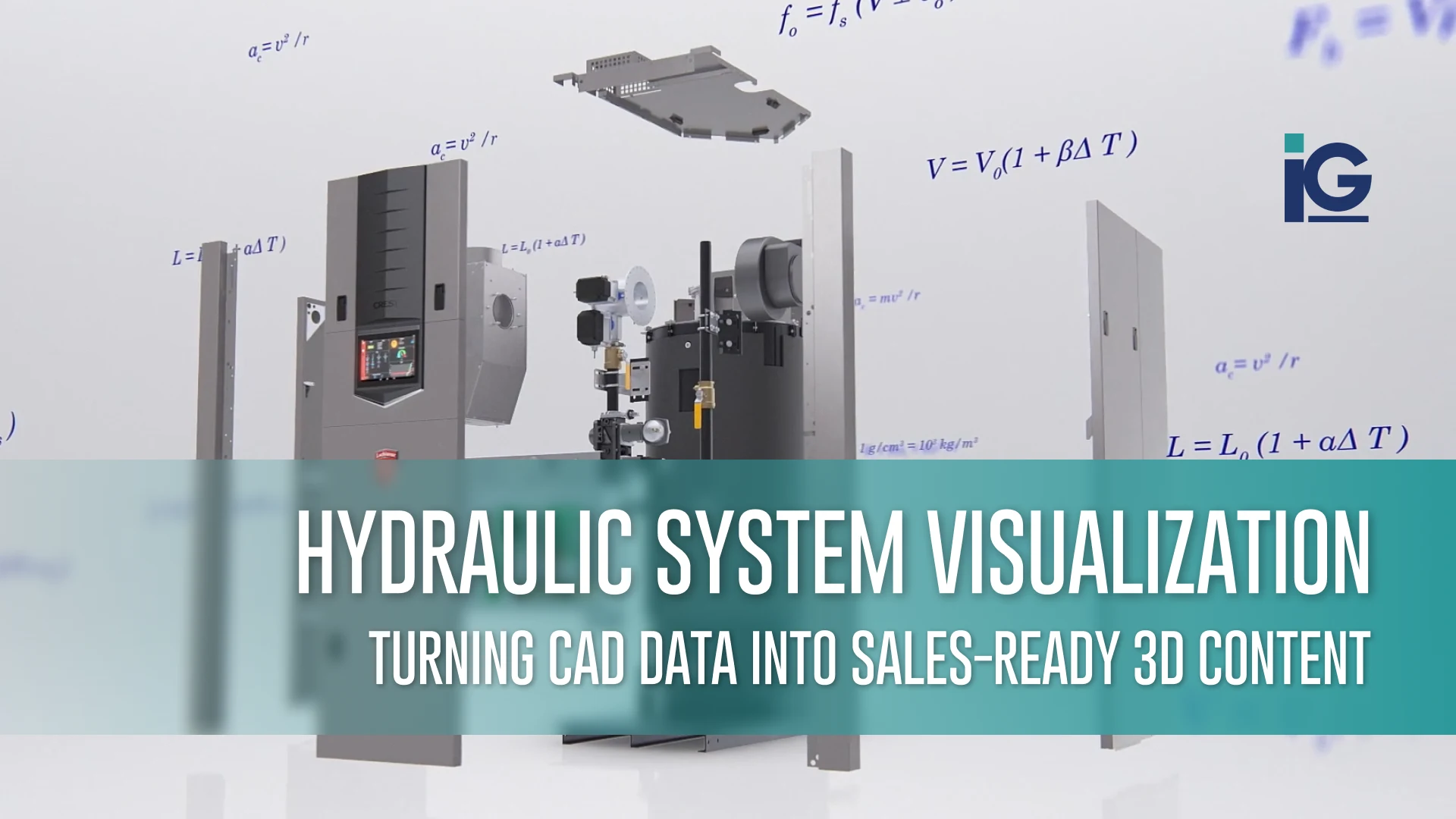
A commercial boiler’s most important features are hidden inside. A spec sheet lists the numbers, but animation can show how those features work and why they matter to the engineer specifying the unit.
That was the challenge when Lochinvar needed a sales tool for its Crest with Hellcat commercial boiler. Info-Graphics created a 3D product animation that walks viewers through the boiler’s key features and benefits, turning technical specifications into a visual explanation. The result is a reusable sales asset that presents Crest’s advantages the same way every time, whether in a sales meeting, on the web, or on a trade show screen.
Pump manufacturers face the same challenge, often with the same buyers. They often communicate with many of the same audiences, including mechanical engineers, contractors, and facility managers. Animation gives them a clear view of the components and design choices behind the numbers they’re reading.
Ready to Show More Than the Spec Sheet?
The best animation isn’t about adding more visuals. It’s about identifying the part of your product that’s hardest to communicate and finding a clearer way to show it.
For most pumps, that’s what happens inside the casing. It’s the flow path, the operating point on the curve, the conditions that lead to cavitation. If those details are getting lost in your brochures, presentations, or product pages, product animation can give your team a clearer way to show them. At Info-Graphics, we work as an extension of manufacturers’ teams to turn CAD files and engineering data into animation, interactive experiences, technical illustrations, training content, and other visual tools for sales, marketing, training, and technical communication.
Thinking of a specific product? Talk to the Info-Graphics team about your next project.
Frequently Asked Questions (FAQ)
A pump product animation is a 2D or 3D animation that shows how a pump works, including its components, internal mechanisms, fluid flow, and operating process. It can use engineering data, CAD models, technical drawings, and other product information to create a visual explanation of the pump.
A spec sheet provides technical specifications, while animation can visually demonstrate how the pump’s components interact and how processes such as fluid movement occur. This helps viewers understand the context behind the numbers and specifications.
A pump animation should be long enough to explain its key message without adding unnecessary detail. Short sales animations may run 60–90 seconds, while detailed training or maintenance animations may take several minutes.
The information needed depends on what the animation needs to demonstrate, but common inputs include CAD files, engineering drawings, product specifications, pump curves, assembly drawings, photographs, and technical documentation. Existing product assets can often be adapted for the animation.
No. Pump product animation is primarily a visual communication tool, while pump simulation uses engineering models and data to analyze or predict system behavior. An animation can visualize simulation results, but an animation itself is not necessarily a simulation.





Leave A Comment