
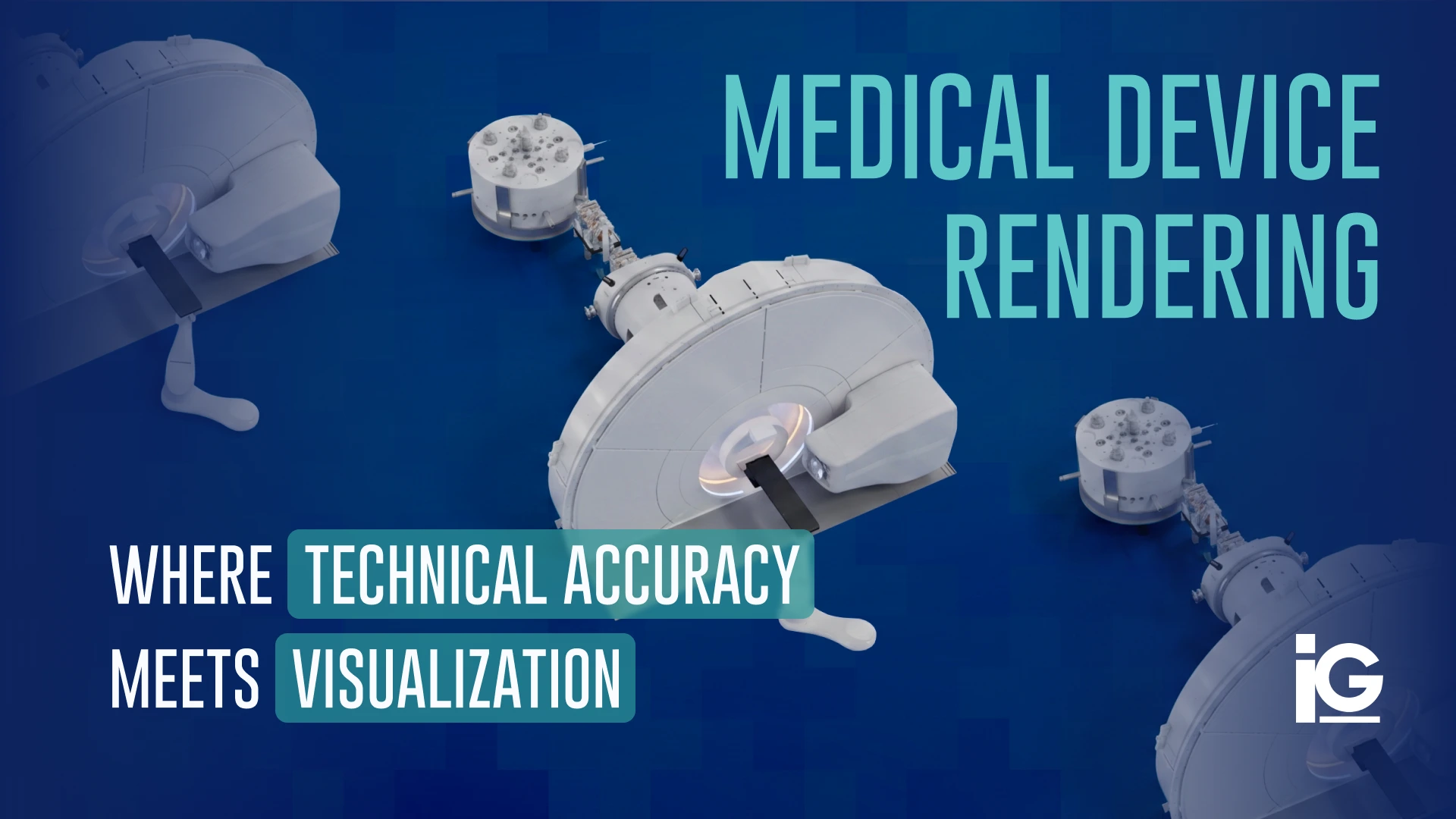
Medical devices are often difficult to show to customers, trainees, or investors. They may be too hard to photograph, still in development, physically large, internally complex, or difficult to demonstrate safely. With 3D rendering, those communication challenges are addressed by turning technical information into clear visuals.
What is Medical Device Rendering?
Medical device rendering is the process of converting CAD or STEP files into realistic still images, exploded views, cross-sections, and animations that depict a device as designed. The techniques it uses are similar to those used in regular product rendering but require a higher level of accuracy and technical detail. It’s one of the most demanding applications of visualization because audiences may rely on these visuals to understand how a device is designed and functions.
| Aspect | Medical Device Rendering | Regular Product Rendering |
|---|---|---|
| Goal | Accurately represent how a device is designed, constructed, or used. | Make a product look as appealing and market-ready as possible |
| Accuracy | Extremely high; dimensions, components, materials, and mechanisms may need to match engineering data | Depends on the industry; can range from highly technical for complex machinery and equipment to more visual for consumer goods |
| Source Files | Often CAD, STEP, SolidWorks, or other engineering files | May use CAD, 3D models, sketches, or reference photos |
| Level of Detail | High – includes internal components, mechanisms, cross-sections, and exploded views | High for complex equipment and machinery but moderate for consumer-focused marketing visuals |
| Common Visuals | Exploded views, cross-sections, mechanism-of-action animations, device-in-body/tissue context | Hero shots, lifestyle scenes, 360° views, packaging mockups |
| Audience | Surgeons, clinicians, regulators, technical buyers, sales teams, patients | Technical buyers and engineers for complex equipment, consumers and retail buyers for many consumer goods |
| Creative Freedom | Low – visuals can be read as claims about function, so creative decisions must support, rather than compromise, technical accuracy | More flexibility with elements like lighting, environments, styling, and presentation |
| Typical Uses | Training, medical education, sales presentations, technical documentation, product development | E-commerce listings, catalogs, ads, packaging, trade show displays |
To put it all in perspective, imagine an industrial HVAC system versus a patient monitoring system. A regular product render of an industrial HVAC system still needs to accurately represent panel layouts, ductwork connections, and access points, since facilities managers and installers rely on that accuracy to evaluate fit and performance before committing to a purchase.
On the other hand, a medical device render of that same patient monitoring system carries an even higher bar. It needs to show the monitor’s physical components, ports, sensors, cables, and how everything connects, because changing or simplifying a component just to make it look better could give clinicians or regulators an inaccurate understanding of how the device works.
Important Note: This does not mean every medical device render needs to be extremely technical. The appropriate level of detail depends on who will see it and what they need to understand. A render designed for a surgeon evaluating a device may look very different from one created for a patient-facing brochure.
Why Does Technical Accuracy Matter?
A medical device render can directly influence how an audience understands how a machine or device works. Every creative choice should support technical accuracy above all else. Simplifying a mechanism to make an image look cleaner, or adjusting proportions for a better angle, can give a surgeon, regulator, or patient an inaccurate understanding of the device. Medical companies also follow certain regulations and standards that must be upheld across all visual assets. That’s why the render has to be checked against the same design data the device itself was built and approved from.
Can You Use Medical Device Rendering Before a Prototype Exists?
Yes, medical device rendering can create accurate, photorealistic visuals from CAD data before a physical prototype is manufactured. This allows marketing, sales, investor, and packaging teams (as well as teams working against product launch and trade show deadlines) to develop visual assets while the device is still in production, rather than waiting months for tooling, clinical samples, or finished units.
The key is keeping the rendering workflow aligned with the approved design. Rendering does not replace prototyping, testing, validation, regulatory review, or other required compliance steps. The physical device still has to go through the appropriate development and approval processes. Instead, rendering works alongside those steps, using controlled design data to create visuals without changing how the device is tested or approved.
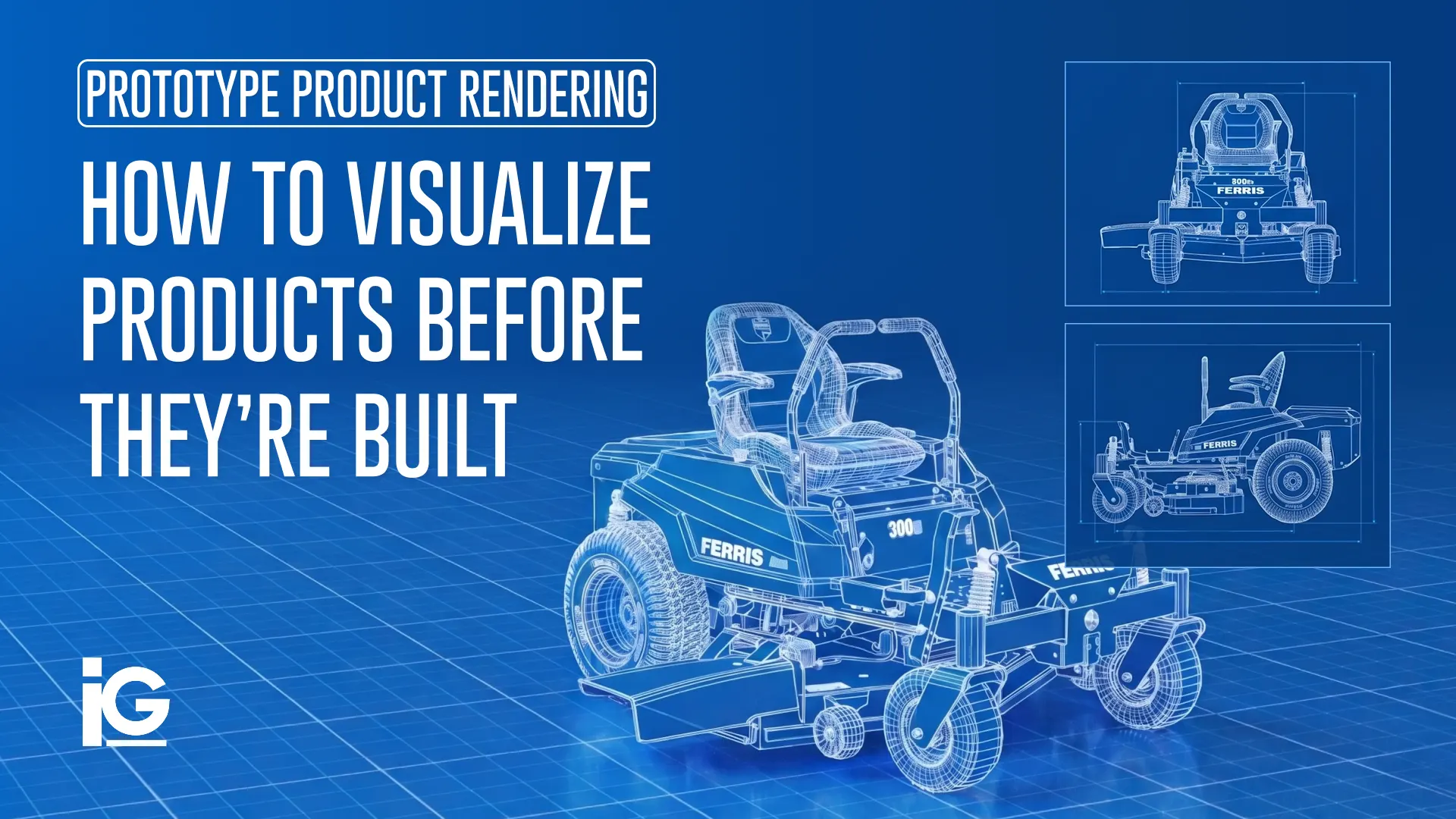
We covered this exact workflow in more depth in Prototype Product Rendering: How to Visualize Products Before They’re Built, which walks through how teams compress go-to-market timelines using design data alone.
One of the biggest factors in how fast this can happen is something you might already have — usable CAD data. If your team already has existing CAD files for your product, you may be much closer to production-ready visual assets than you think. Request a quote from Info-Graphics, and we’ll tell you exactly what your existing files can do for you.
What Should You Look For in a Visualization Partner?
Not every creative studio has the technical capabilities that medical device visualization requires. When evaluating a partner for similar rendering projects, the best action is to look past the portfolio and ask a few questions:
- Do they work directly from CAD/STEP data, or do they rebuild geometry from photos and reference images?
- Do they have a confidentiality process, including NDAs and secure file handling, given how sensitive unreleased medical device designs are?
- Have they worked with engineering teams before, and can they communicate effectively with engineering and product teams?
- Can they produce more than one asset type (stills, exploded views, animations, interactive viewers) from the same underlying model, so you’re not re-briefing a new vendor for every format?
- What’s their track record with regulated industries, and have they had to work around review cycles, legal sign-off, or last-minute design changes without blowing a deadline
The answers to these questions matter more than the render itself, because a beautiful image that misrepresents the product isn’t doing its job. The partners worth keeping are the ones who treat your CAD file as the truth and ask questions about how something actually works before they render it. That’s a different skill set than making things look good; it’s what protects you and your product.
Provision Healthcare’s ProNova SC360 Proton Therapy System is a good example of what this looks like in practice. The SC360 is engineered around a full 360° superconducting gantry, a superconducting isochronous cyclotron, and integrated imaging technology, packed into one of the most compact footprints in proton therapy. It’s a piece of equipment so large and complex that a traditional photoshoot just wasn’t practical. In that case, 3D rendering offered a better way to present the system in detail.
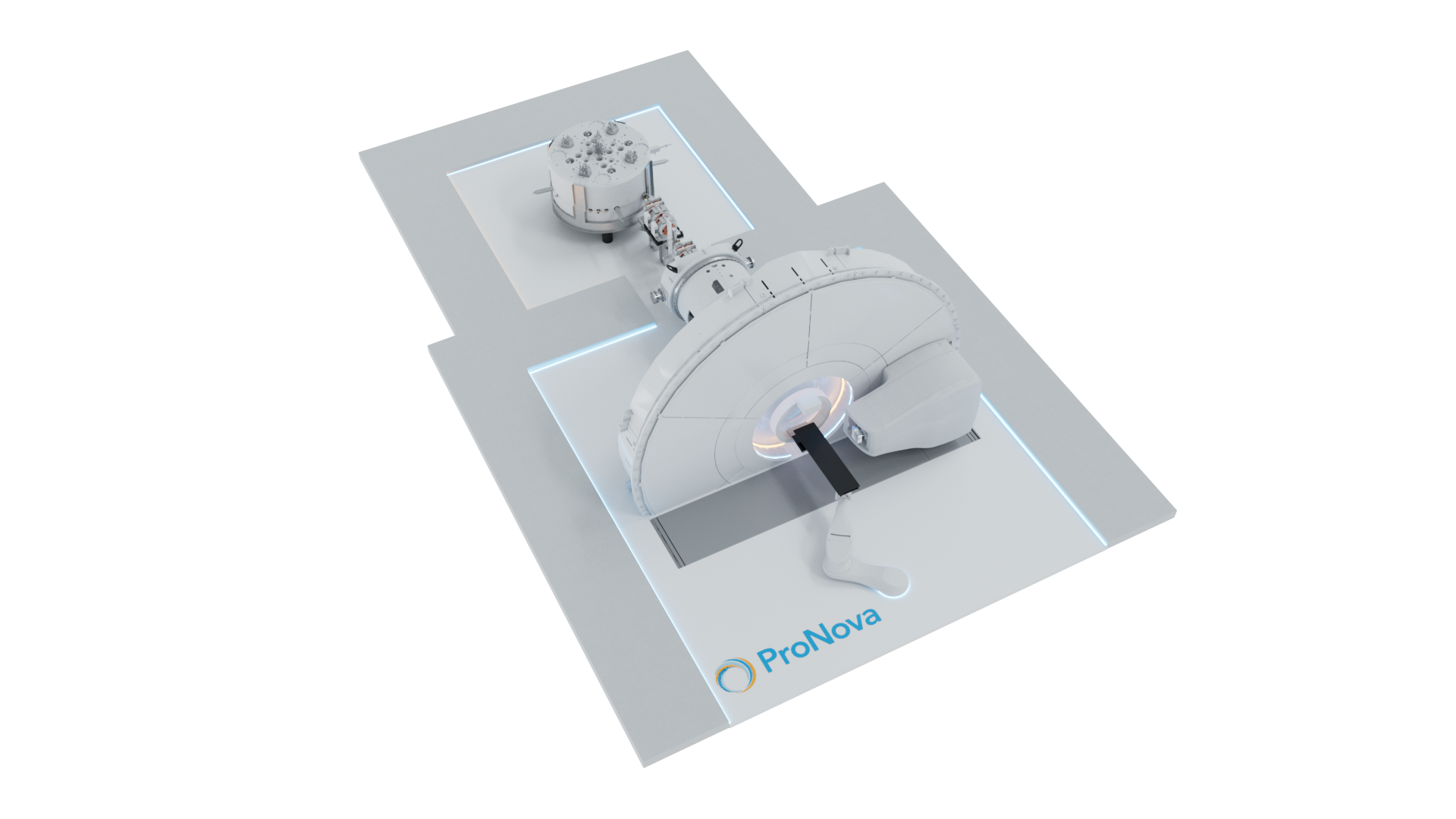
The Challenge: A traditional photoshoot could show what the treatment room looks like, but it couldn’t show what makes the system different. Much of the SC360’s technology is inside the system, from the superconducting cyclotron to the beam transport design and gantry. The visuals needed to make sense to different audiences, from technical and clinical teams to decision-makers and patients.
The Approach: Working directly from Provision Healthcare’s design data, Info-Graphics built photorealistic 3D renders of the ProNova SC360 proton therapy system. It shows the gantry in its treatment-room environment and brings the technology inside the system into view. The visuals also highlighted the SC360’s open treatment room and 360° gantry, which allows beam delivery from different angles without repositioning or reimaging the patient.
The Result: Provision Healthcare had visuals that communicated the SC360’s compact footprint, faster treatment times, and full-angle beam delivery before a single patient ever entered the room.
See the full ProNova SC360 case study here.
Final Thoughts
For more than 30 years, Info-Graphics has worked alongside engineering, product, and marketing teams to understand complex products at a technical level — then turn that understanding into visual content that makes them easier to explain, sell, train on, and support
If you’re sitting on approved CAD data for a device that isn’t ready for a camera yet, Info-Graphics can help. Let’s talk about your project or share a few details about what you’re working on, and we’ll be in touch to figure out what makes the most sense for your timeline.
Start the conversation with the Info-Graphics team.
Frequently Asked Questions (FAQ)
1. What is medical device rendering used for?
Medical device rendering is used to create photorealistic images, animations, and interactive 3D content directly from a device’s CAD data. These assets are typically used for marketing, sales enablement, trade shows, training materials, and instructions for use, often before a physical unit is available.
2. Is 3D rendering accurate enough for regulated medical products?
Yes, when it’s built directly from approved engineering CAD data. The render should always be checked against the same design the device was approved to, and any regulatory or compliance review of marketing claims remains the manufacturer’s responsibility.
3. How long does medical device rendering take compared to a physical photoshoot?
Timelines vary by complexity, but rendering from existing CAD generally moves faster than coordinating a physical prototype, studio, and shoot. A medical device rendering can even start the moment the design data is available, in parallel with manufacturing.






Leave A Comment