
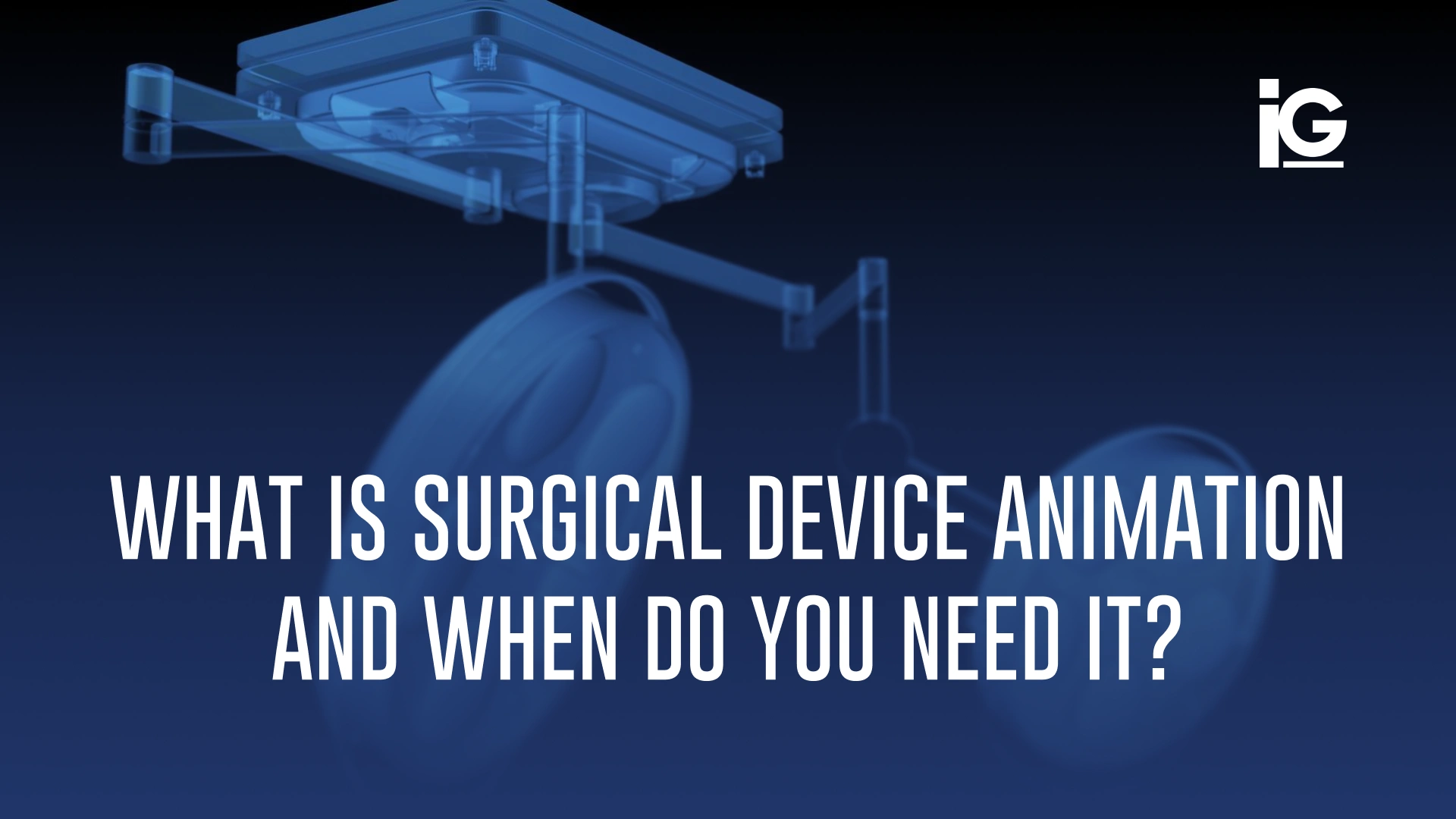
Surgical devices often perform their most important functions beyond the reach of a conventional camera. This creates a challenge for medtech product managers, marketing directors, and clinical education teams. They need to communicate how a device works and what makes it different without a live procedure or hands-on demonstration.
For medical device manufacturers, visual explanations are an increasingly valuable tool for product education and marketing. This article will dig into what kind of animation fits and how to tell whether your next launch needs one.
What is Surgical Device Animation?
Surgical device animation uses 3D visualization to demonstrate how medical devices function, interact with surrounding structures, and support their intended applications. Using manufacturer-provided CAD files, technical documentation, and clinically approved references, animations can illustrate device operation and procedural concepts in ways that traditional photography or static illustrations cannot.
Unlike a still render, animation shows what happens over time. It is most useful when the device’s function is easier to understand in motion:
- • Deployment Sequences: A stent expanding, a clip closing, or an anchor deploying.
- • Instrument mechanics: How jaws grip, how a blade advances, or how components engage with one another.
- • Procedural flow: Manufacturer-approved procedural sequences, instrument interactions, and device operation.
- • Before-and-after states: The anatomy before the procedure and after the device is in place.
The goal isn’t to show every detail of a device. It’s about deciding which details matter most to your audience and presenting them accurately and clearly.
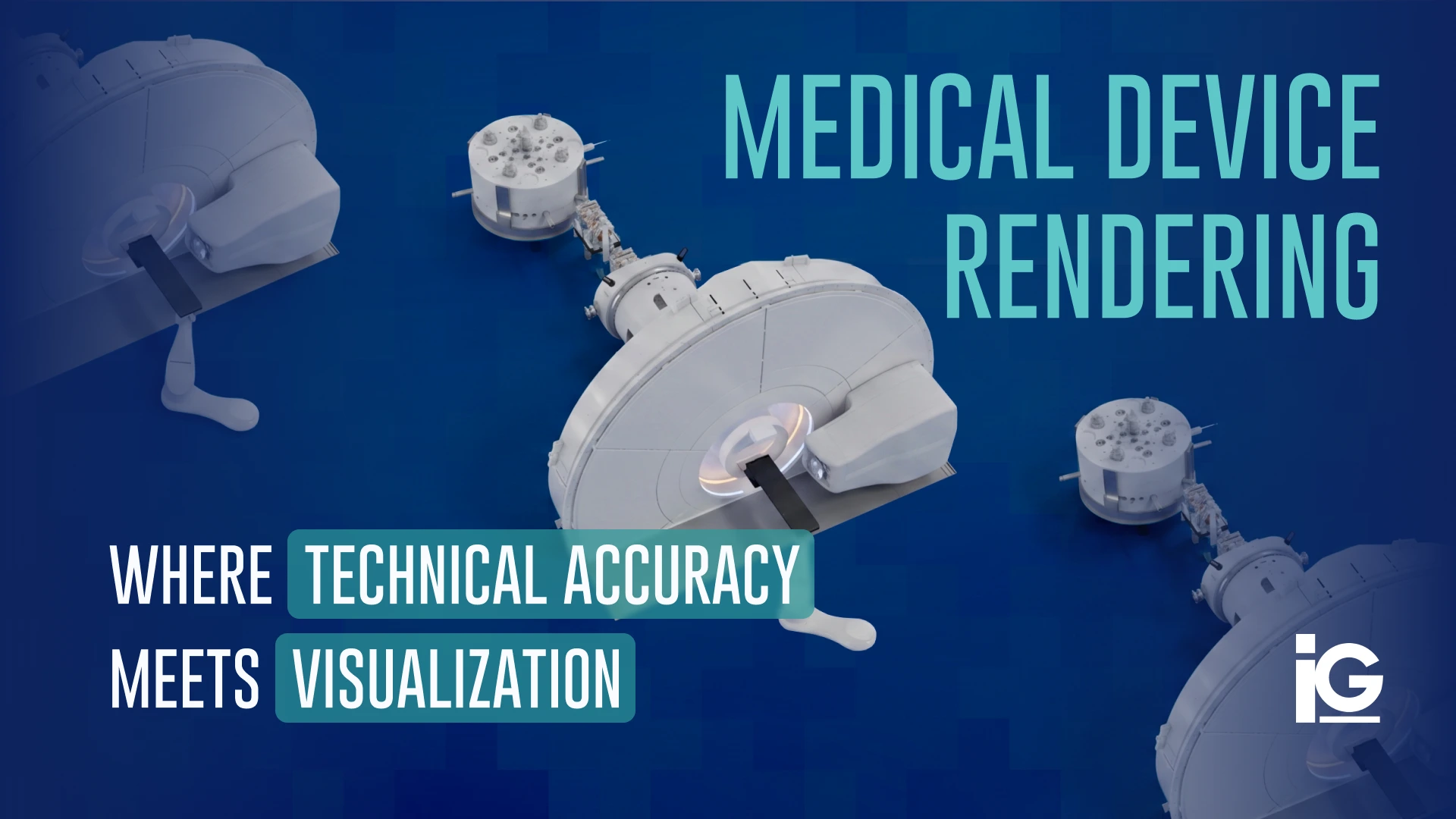
For still images, cross-sections, and exploded views, see our guide to medical device rendering.
Who Uses Surgical Animations and How?
Four teams at a medtech company commonly use surgical animations: marketing, sales, clinical education, and R&D leadership. Each uses the visuals for a different purpose.
Product Launches and Sales
A medical device manufacturer introducing a new implant system may need to communicate its design, component interactions, and distinguishing features. A 3D animation can help sales teams and healthcare professionals visualize these details without relying exclusively on physical demonstrations or static images.
For the broader launch strategy, see how to create a product launch video for complex products.
Supporting Clinical Education Teams
Medical device manufacturers may incorporate animation into clinician education and product training programs. Working from approved procedural information and guidance from clinical subject-matter experts, we can develop visual materials that illustrate device operation, component interactions, and procedural sequences. The same scenes can be incorporated into a CAD-based e-learning module for reps and OR staff.
Trade Shows and Conferences
Real surgical footage can be difficult to use in public displays due to consent requirements and graphic content. A silent animation loop lets attendees see how a device works without showing an actual procedure. Like any promotional material, the animation should still go through the manufacturer’s review and approval process before it’s shown publicly.
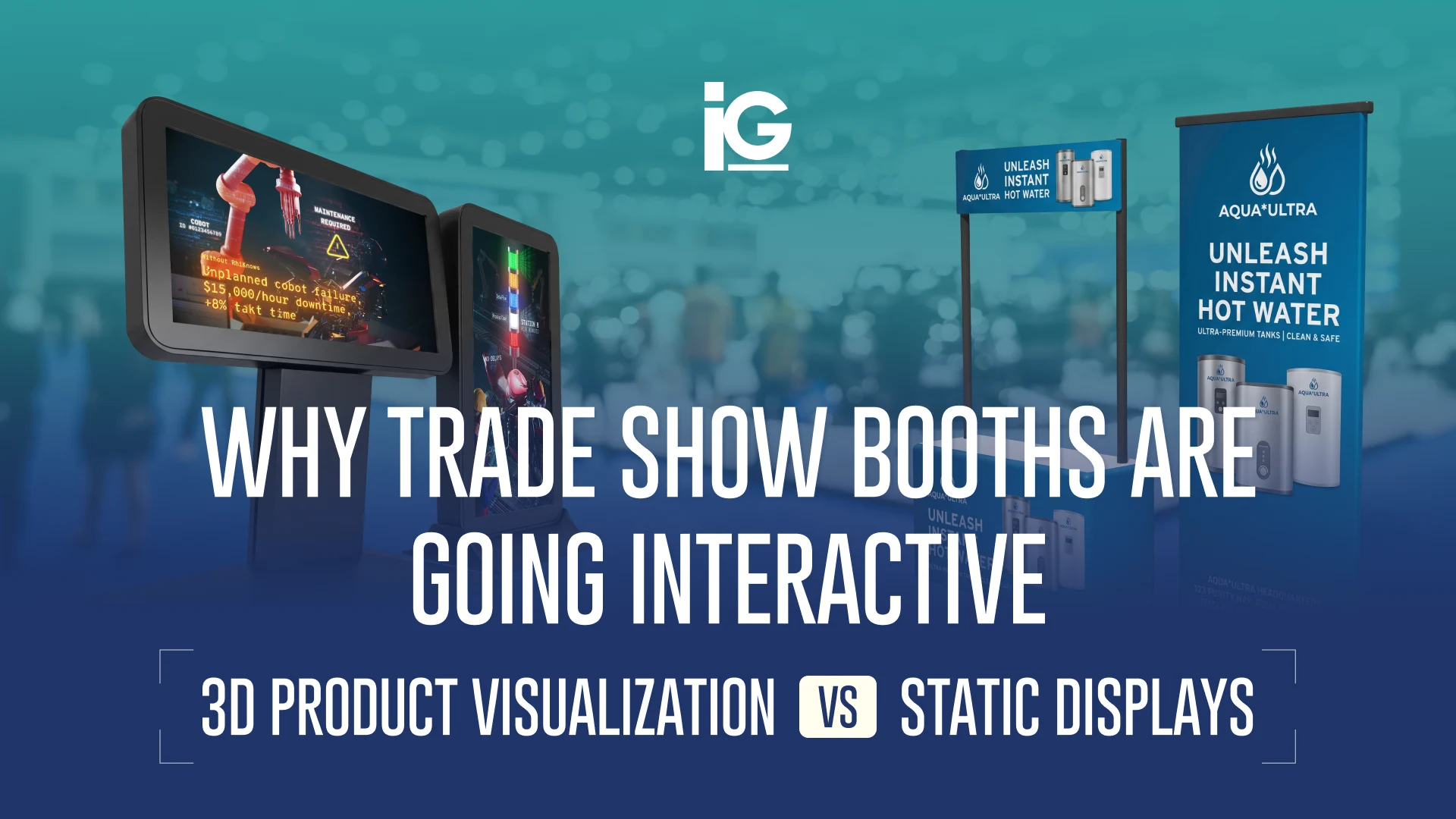
For interactive product demonstrations, see why trade show booths are going interactive.
Internal Alignment and Investors
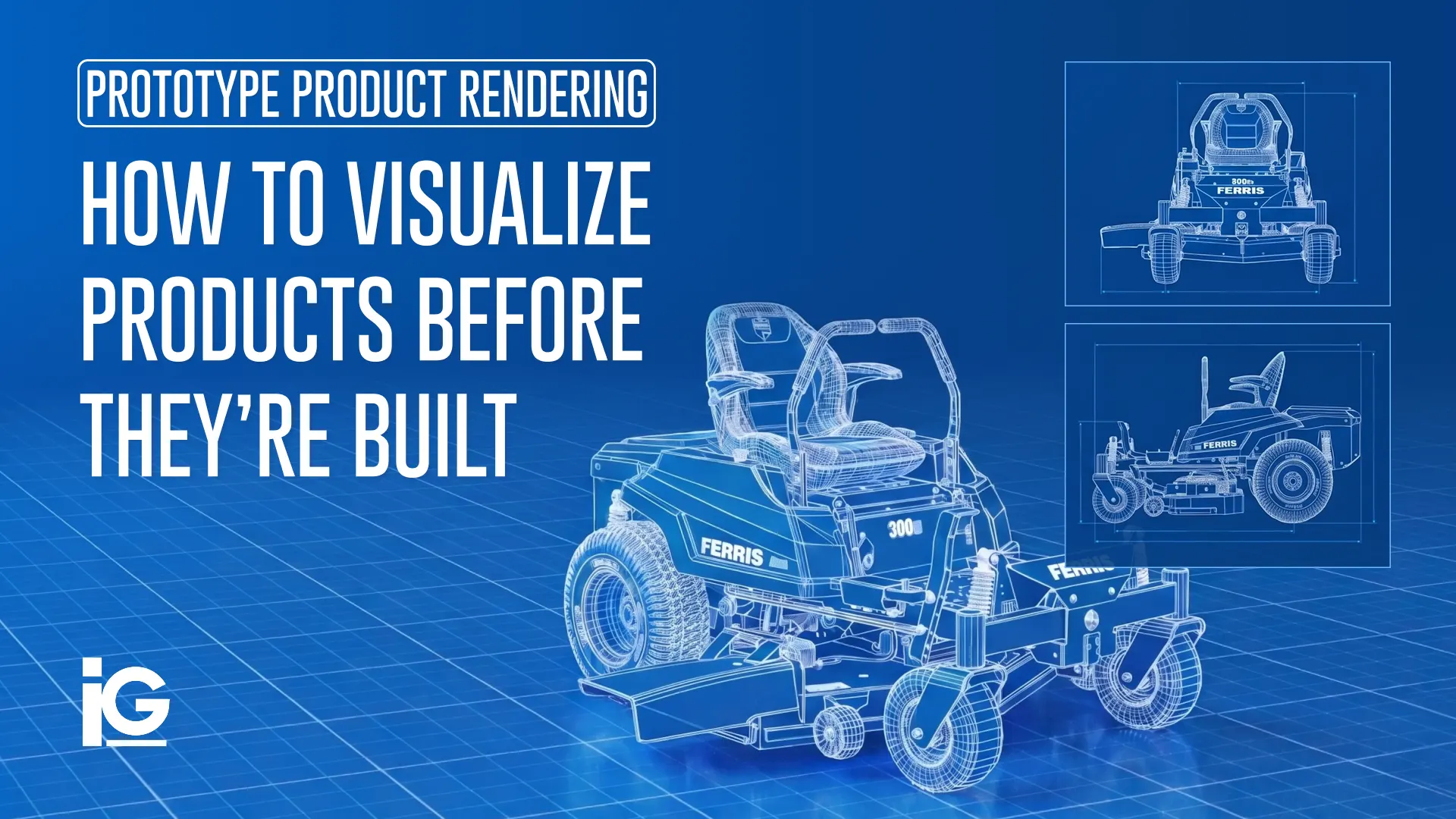
R&D directors use early-stage animations to explain a device’s design and function to boards, strategic partners, and investors. With 3D animation, this is possible even before a physical prototype is ready. We cover this in more detail in 3D animation for pre-market presentations.
When Do You Need To Animate a Surgical Device?
Surgical device animation is useful when a device’s key advantage is difficult to see, film, or demonstrate with a physical product. If any of these apply to your next launch, animation may be worth considering:
- ☐ The device introduces a new operating mechanism or workflow. Animation can help manufacturers communicate how the device functions and illustrate approved procedural sequences for their intended audiences.
- ☐ The mechanism is hidden from view. Whether it occurs within a tissue, a blood vessel, or the device itself, a camera may not capture the action clearly.
- ☐ Surgical footage is NOT an option. Patient consent, privacy rules, hospital policies, and graphic content can limit what you show at a trade show or on your website. Animation avoids the need for patient footage, but still needs appropriate review and approval before public use.
- ☐ The differentiator is small. A 5 mm port instead of 12 mm, or a jaw that articulates 15 degrees further, may need a close-up view to make the difference clear.
- ☐ The procedure follows a specific sequence. Loading, deployment, and retrieval steps are easier to follow when shown in order.
But not every device needs animation. A reusable retractor with a straightforward function may be better presented through photography and a clear spec sheet. Focus the budget on the parts that are hardest to explain.
Animation vs Illustration vs Videos for Surgical Devices
Animation can show internal mechanisms and how a device works before it’s built. Live surgical video shows the device in use, while illustrations are often the quickest, most cost-effective way to explain a single feature.
| Feature | 3D Surgical Animation | Live Surgical Video | Static Illustration |
|---|---|---|---|
| Shows internal mechanisms | 3D Surgical AnimationYes (with cutaways) | Live Surgical VideoOnly what the scope or camera sees | Static IllustrationOne frozen moment |
| Creative control | 3D Surgical AnimationFull control over camera angles, lighting, and simulated environments | Live Surgical VideoLimited to what can be filmed | Static IllustrationFull control over composition and detail |
| Visual Representation | 3D Surgical AnimationDepends on the quality of the model and animation | Live Surgical VideoCaptures actual clinical conditions | Static IllustrationSimplifies reality to highlight key details |
| Production Logistics | 3D Surgical AnimationCAD, anatomy models, and review rounds | Live Surgical VideoRequires filming access, equipment, and permissions | Static IllustrationRequires reference materials and illustration work |
| Available before production units | 3D Surgical AnimationYes (from CAD and design files) | Live Surgical VideoNo | Static IllustrationYes |
| Safe for booths and public web | 3D Surgical AnimationSubject to manufacturer review and approval | Live Surgical VideoOften restricted by consent terms and graphic content | Static IllustrationSubject for manufacturer review and approval |
| Revisions | 3D Surgical AnimationChanges may require reworking and re-rendering scenes | Live Surgical VideoReshoots may be necessary | Static IllustrationIndividual elements can often be revised directly |
| Reuse across channels | 3D Surgical AnimationScenes can be adapted for video, presentations, and digital training | Live Surgical VideoReuse depends on footage rights and format | Static IllustrationImages can be used across print and digital materials |
These formats can also work together. Animation explains how a device works, surgical footage shows it in clinical use, and illustrations highlight specific details. The right choice depends on what your audience needs to understand.
How is a Surgical Device Animation Made?
The process starts with the device’s CAD files and ends with a finished animation ready for its intended use. Here’s how the process typically works at Info-Graphics:
- 1. Scope: Define the audience, purpose, and goal of the visual content, then identify which device details matter most to that audience.
- 2. CAD/Files Preparation: Engineering provides STEP or native files that are prepared for animation. Our post on common CAD rendering pitfalls covers common challenges at this stage.
- 3. Anatomy and Context Development: When anatomical visualization is required, models are developed using approved reference materials and guidance from the manufacturer’s clinical subject-matter experts.
- 4. Storyboard and animatic: Rough scenes, camera angles, and timing are shared for review before final rendering. Changes are easier to make at this stage.
- 5. Animation, materials, and lighting: Materials such as titanium, PEEK, and tissue are rendered to reflect their distinct properties, with lighting and camera angles chosen to keep attention on the details that matter.
- 6. Client Review and Validation: The manufacturer’s engineering, clinical, and regulatory teams review relevant visuals, procedural representations, and product claims to confirm technical accuracy and suitability for the intended audience. Reviews happen at key stages, not just at the end. Late changes to technical details or claims can mean costly revisions.
- 7. Rendering and delivery: Depending on the project, deliverables may include a narrated video, a silent trade show loop, short social clips, and still images from the animation.
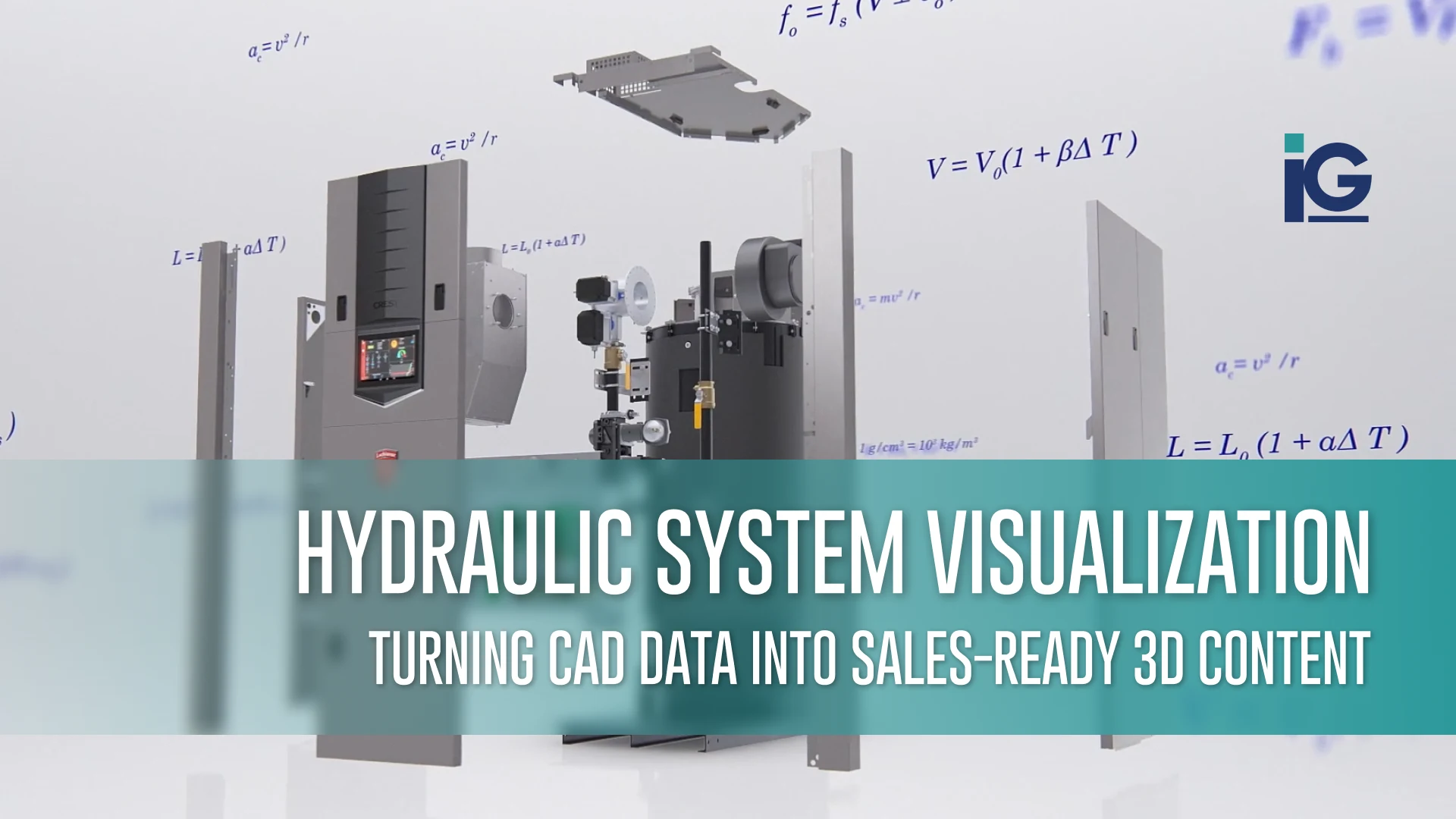
The same prepared 3D assets can support far more than one animation. Once your CAD files are ready, they can be reused for product renders, technical illustrations, interactive experiences, sales presentations, and future training materials, so your engineering investment keeps working long after launch. We explain this in more detail in our article on technical product visualization.
If you’d like to see what this process produces, browse our animation work.
Where Should You Start?
Start with the device feature your audience finds hardest to understand. Your existing CAD files can help turn that detail into a clear visual explanation.
For more than 30 years, Info-Graphics has helped manufacturers transform complex products and technical information into clear, compelling visual content. We work as an extension of medical device manufacturers’ engineering, marketing, and product education teams, leveraging existing CAD models and technical assets to create 3D animations, illustrations, and interactive experiences.
Whether you’re preparing for a product launch, explaining a complex device mechanism, or developing visual content for a training program, our team can help you identify the most effective way to communicate your technology.
Frequently Asked Questions (FAQs)
Reviewers typically include an engineer familiar with the device, a surgeon or clinical specialist, and, when needed, a regulatory representative. Involving them early helps catch technical inaccuracies and claim-related issues before final rendering.
It depends on the audience and purpose. Content developed for clinical audiences may call for more detailed anatomical representations, subject to review by qualified clinical experts. Trade show displays and patient education may benefit from simplified visuals that make the device easier to understand.
No. Animation can supplement manufacturer-led education by visually communicating approved device information and procedural sequences, but it does not replace hands-on practice or supervised clinical training.
It depends on the intended use. Shorter animations often work well for product launches and sales presentations, while training videos may need more time and can be divided into chapters by procedural step.
Surgical device animation is one type of medical animation. Medical animation also covers drug mechanisms, disease processes, and patient education. Device animation focuses on how surgical instruments, implants, and other devices work and interact with anatomy.






Leave A Comment