
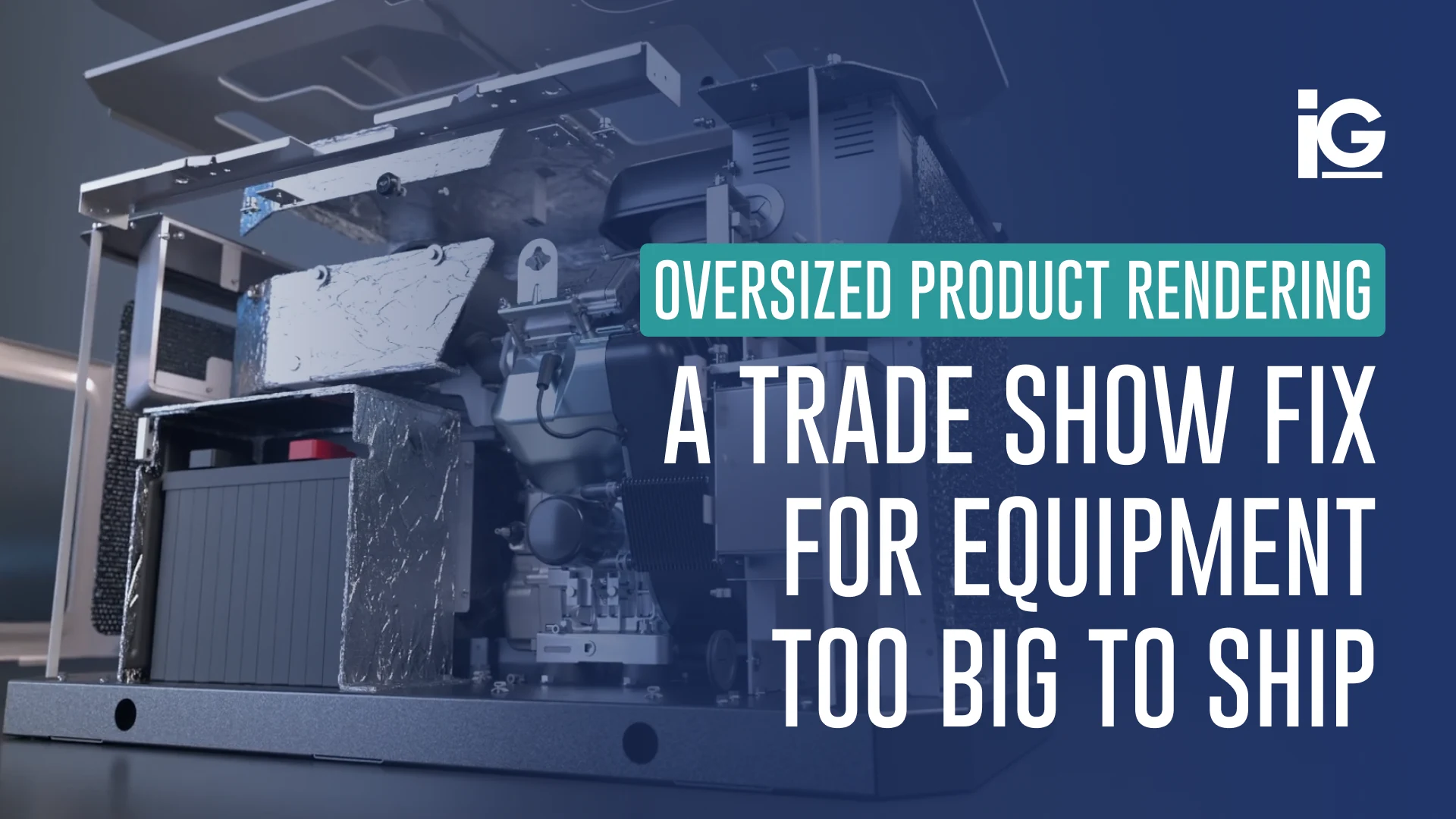
Trade shows give equipment manufacturers a rare opportunity to put products directly in front of customers, dealers, and prospects. But what happens when the product you want to demonstrate weighs several tons, takes up half the booth, or simply can’t make the trip?
That’s where 3D product rendering for oversized equipment can offer more than a workaround for shipping. A detailed digital model can give attendees a closer look at the product than the physical machine alone allows. Internal components can be exposed, systems can be isolated, operation can be animated, and different configurations or applications can be shown in ways that would be difficult to recreate on the show floor.
For many manufacturers, the process can also start with something they already have: their engineering CAD. Those existing assets can be transformed into production-ready 3D visuals for renders, animation, and interactive experiences, giving the product a more flexible presence at the trade show without bringing the full-size equipment along.
What Is Oversized Product Rendering?
Oversized product rendering is the process of creating detailed 3D visuals of equipment that is too large, heavy, or difficult to transport. For manufacturers attending trade shows, it offers a practical way to make the most of limited booth space.
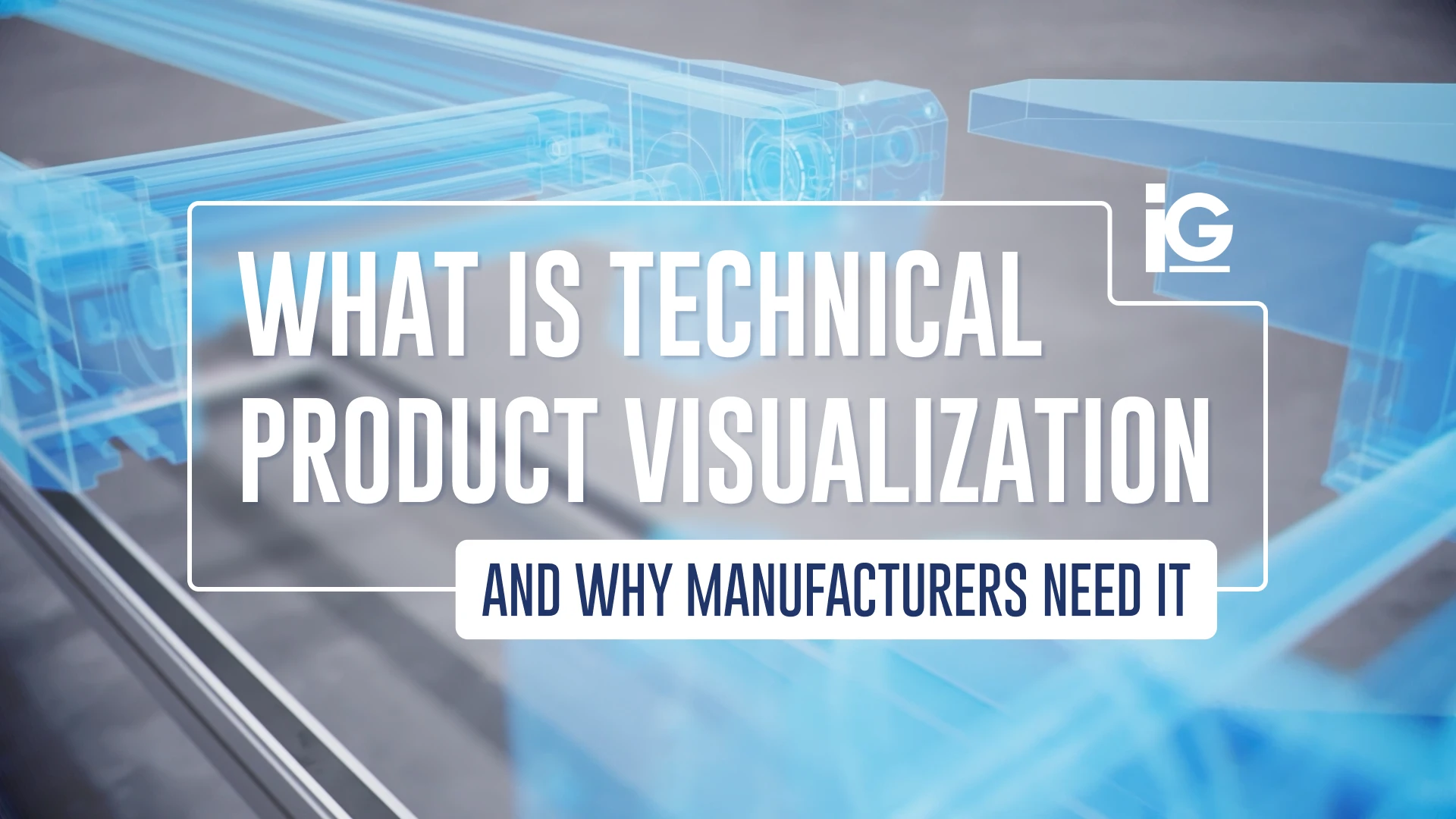
The technique itself is not different from standard 3D rendering, but it is particularly useful for products that are difficult or impractical to photograph. It falls under the broader practice of technical product visualization, applied to equipment where a traditional product shoot presents logistical challenges.
The process typically starts with existing CAD files, engineering drawings, photographs, or a physical scan of the equipment. These files are used as references in building a digital model with accurate proportions, materials, and mechanical details. The finished render can then be used across trade show materials, booth graphics, video loops, interactive touchscreens, or printed banners.
For companies showcasing equipment that is difficult to ship, the digital model opens up more options. Instead of working around the venue’s physical limitations, they can use the digital model to show the equipment in greater detail and in formats that fit the booth space.
What a Trade Show Booth Looks Like With Rendered Content
Rendered content can turn an otherwise empty booth wall or screen into a detailed showcase. Manufacturers can use it for large-format graphics, product animations, and interactive 3D viewers to give visitors a closer look at the machine.
A typical setup might include:
- ㆍRendering → Show it. Photorealistic product imagery can present equipment at any scale, angle, or environment.
- ㆍAnimation → Show how it works. Product animation can reveal internal components, movement, processes, and features that are difficult to demonstrate on a static machine. Hydraulic systems, moving parts, assembly sequences, and other mechanical functions can be shown step by step.
- ㆍInteractive 3D viewers → Let them explore it. An interactive 3D viewer can give visitors control over the product experience. They can rotate and zoom the equipment, select hotspots, explore individual components, compare configurations, and discover features at their own pace.
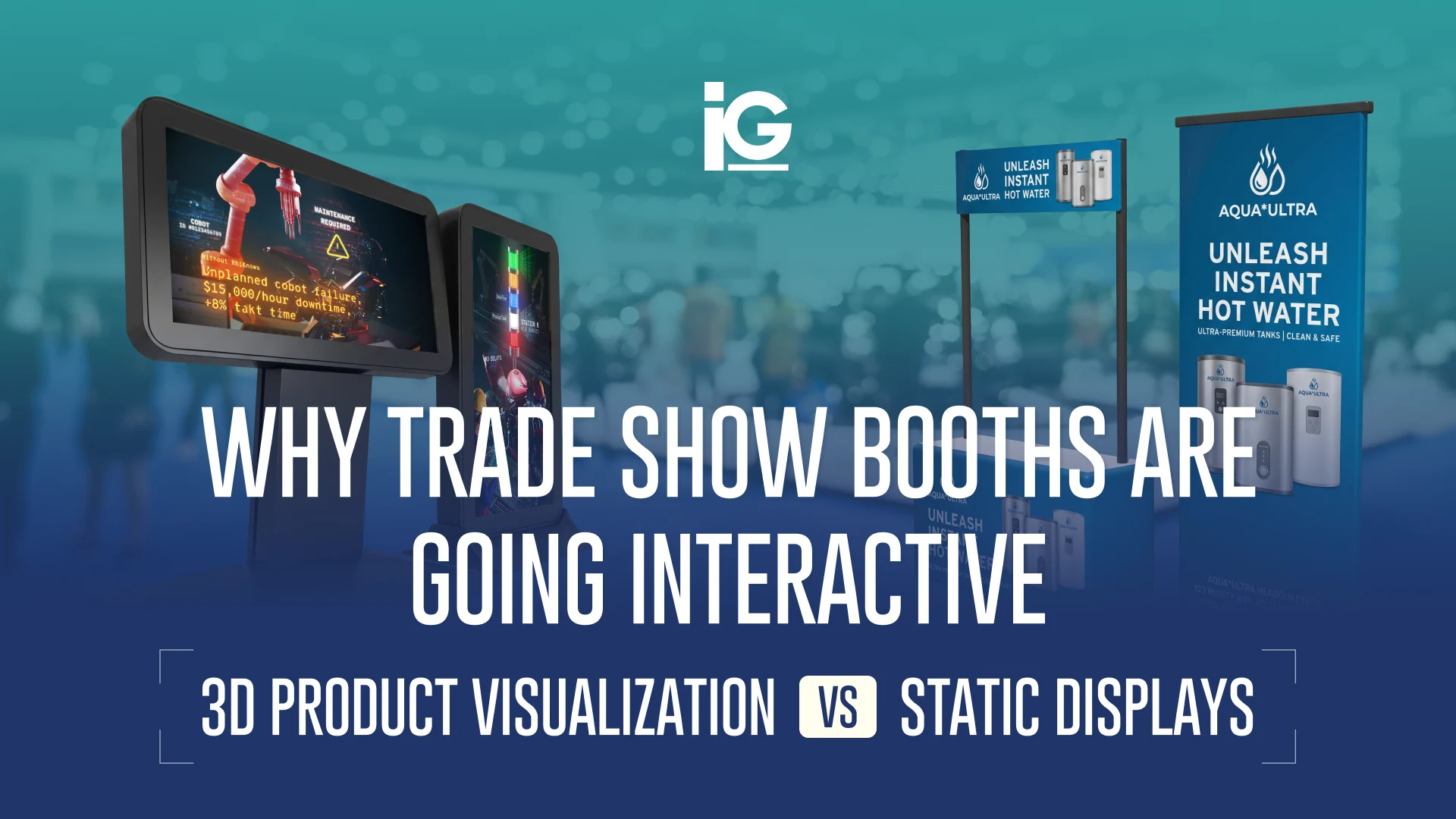
Rendered content can also work alongside physical displays. A manufacturer might bring a smaller model or individual component to emphasize a specific feature or internal part. Then, use a 3D render to show the full scale and different configurations. This approach is also becoming more common beyond oversized equipment, with companies using interactive 3D product visualization to make static trade show displays more engaging.
One 3D Model, More Ways to Use It
A trade show may be the immediate reason to create a 3D model, but it does not have to be the only use for it. When the model is built from existing CAD and engineering data, the resulting asset can support a range of visual content.
Depending on the project, the same optimized 3D asset can potentially be used for:
- ㆍProduct animations that demonstrate operation or internal components
- ㆍBooth graphics that showcase the equipment at large scale
- ㆍProduct renders for brochures, catalogs, and sales materials
- ㆍSales presentations that give sales teams detailed product visuals
- ㆍWebsite content for product and application pages
- ㆍDealer training that explains components, features, or operation
- ㆍProduct launch materials created before physical photography is available
This makes the 3D model more than a one-time trade show graphic. It becomes a reusable visual asset that can support marketing, sales, training, and product communication across multiple channels.
Trade Show Prep Timeline: When to Start
The peak of trade show activity varies by industry, but the busiest periods generally fall in spring or fall. However, that does not mean planning starts only then. Exhibitors often begin working on booth designs, marketing materials, product displays, and shipping arrangements months in advance.
For a larger tradeshow initiative involving renders, animation, or interactive content, starting four to six months in advance gives the team more flexibility for CAD preparation, creative development, reviews, and booth integration. Starting early gives you more room to make decisions without rushing. You can also build the rendering into the booth design from the beginning, rather than trying to find a place for it after everything else has been finalized.
To speed up the process, it would also be helpful to prepare the following:
1. Current CAD or engineering files for the equipment
2. Paint codes and material specifications to make sure the finishes look right
3. Brand guidelines, including logos, colors, and any visual requirements
4. The scenes or configurations you want to show, such as a jobsite, white background, different attachments, or regional variations
5. How you plan to use the render, whether that’s for a printed backdrop, banner, video, or interactive display
Of course, having the content isn’t enough. At a crowded show, it also has to communicate quickly. That’s why we evaluate trade show content against what we call the 10-Second Booth Test:

What This Looks Like in Practice
Info-Graphics has applied this exact approach at a real trade show, specifically AHR 2025, one of the largest HVAC and water heating shows of the year. Lochinvar tapped the Info-Graphics team to produce a 3D-animated video showcasing the Veritus and its eco-friendly, energy-efficient technology.
The Challenge
With the Veritus as its latest entry in the condensing heat pump category, Lochinvar needed a 3D-animated video to introduce and promote the product at AHR 2025.
The Approach
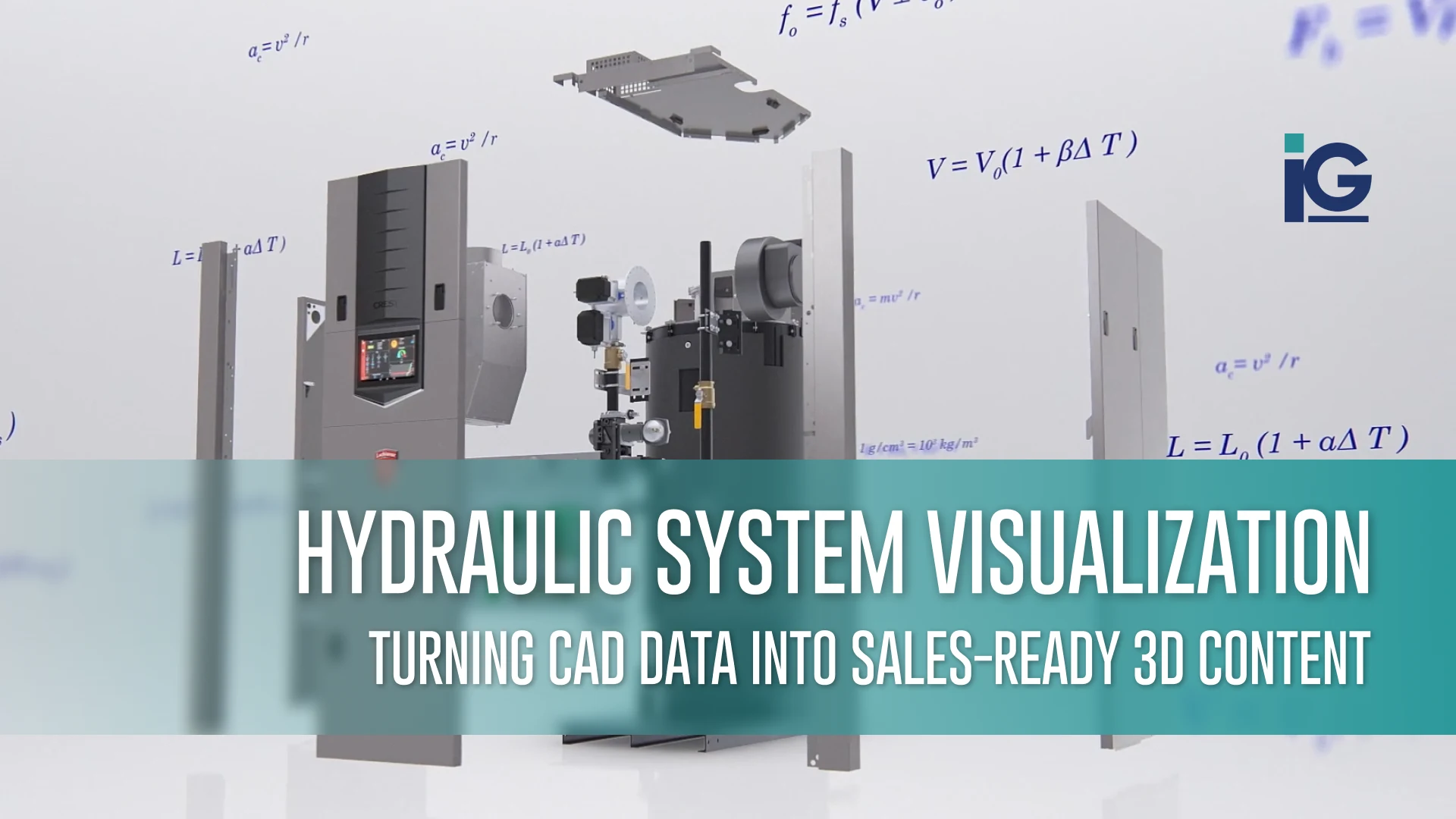
Working directly from Lochinvar’s engineering CAD, Info-Graphics created a 3D animated video that showcased the Veritus and its technology. The animation gave Lochinvar a way to demonstrate the product visually and ran in the company’s booth throughout the AHR 2025 show.
The Result
The finished animation ran throughout AHR 2025, giving Lochinvar a visually engaging way to introduce the Veritus, highlight its technology, and explain the new heat pump beyond what attendees could see from the physical equipment alone.
Read the full Lochinvar Veritus AHR case study here.
Need Help With an Upcoming Trade Show?
Your equipment may not fit in the booth, but that doesn’t mean buyers can’t see it.
Info-Graphics works directly from engineering CAD data to produce photorealistic renders, technical animations, and interactive 3D experiences for complex equipment. One digital product model can support the booth and continue working across your website, sales presentations, training, and product marketing long after the show ends.
Tell us about your upcoming show, and we’ll help you determine which type of 3D content best fits your equipment and booth.
Frequently Asked Questions (FAQ)
What types of equipment can be used for oversized product rendering?
Oversized product rendering works for large or complex equipment that is difficult to ship or photograph. This can include excavators, tractors, compressors, HVAC systems, energy equipment, and other industrial machinery.
Can 3D rendering replace physical equipment at a trade show?
3D rendering makes it possible to showcase heavy equipment without bringing the full-size unit to the booth. Renders can be used for booth graphics, animations, video displays, and interactive 3D viewers. They can also complement a smaller physical model or component.
How long does an oversized product rendering take?
The timeline depends on the equipment and the type of rendering needed. A single static image typically requires less time than an animation with multiple configurations or environments. Sharing your CAD files and project requirements early can help establish a more accurate timeline.
How far in advance should I order a 3D rendering for a trade show?
There’s no strict rule, but four to six months before the show gives your team the most flexibility. This gives you enough time to gather product files, create the model, review revisions, and prepare final renders for your booth. A simpler rendering project can often move faster; starting early is about flexibility, not a hard requirement.
Can rendering work before the equipment is fully built?
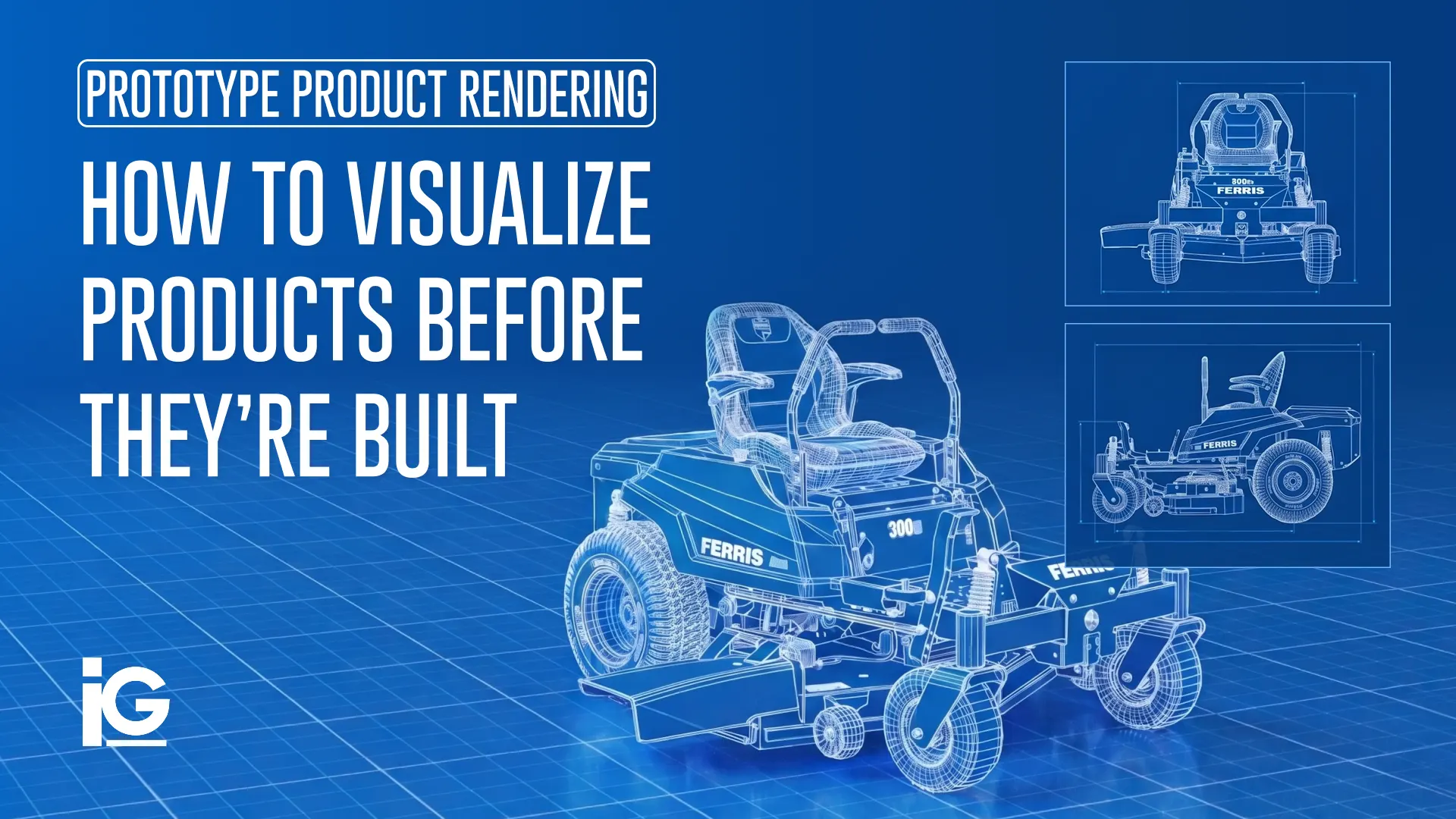
Yes, if you already have existing CAD or engineering files. Rendering can begin while the physical equipment is still being manufactured, giving marketing teams product visuals before the finished machine is ready for photography.
What if my CAD files are outdated or incomplete?
Outdated or incomplete CAD does not necessarily prevent a rendering project. At Info-Graphics, we can review the available CAD, engineering drawings, photos, and other references to determine what needs updating or supplementing before rendering begins.




Leave A Comment