

Industrial manufacturers spend years refining machinery down to the last spec. But many manufacturers still rely on static documentation, dense spec sheets, and installation materials that are difficult to use in the field. Support teams end up answering preventable questions caused by unclear instructions, disconnected diagrams, or documentation that doesn’t reflect how people actually learn.
This is a fixable problem, especially if your team already has CAD files or other engineering assets available.
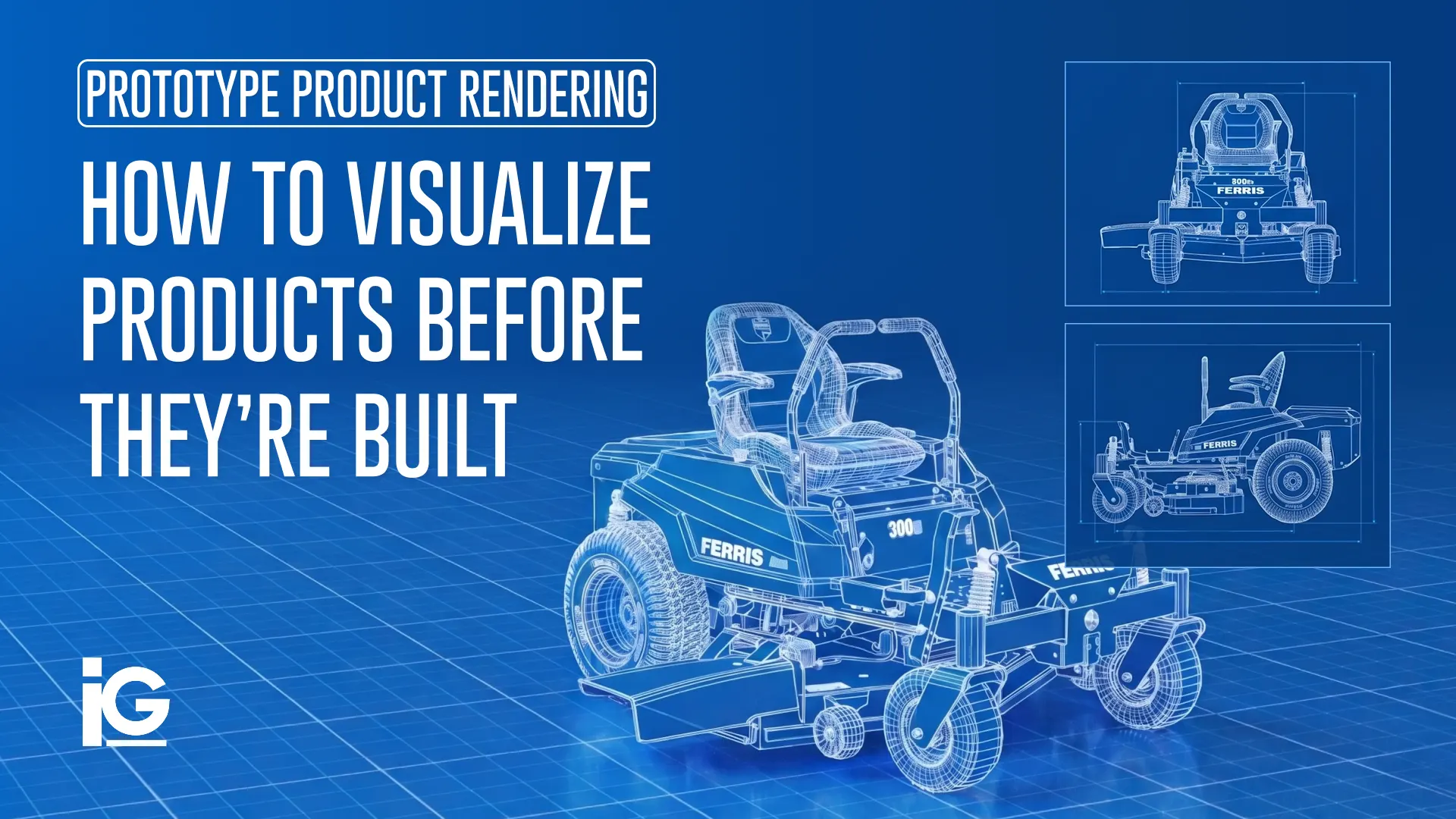
Info-Graphics builds interactive documentation for industrial machinery directly from your existing engineering assets. From photorealistic renders, animated installation sequences, 3D viewers, and more — all from the CAD models your team built. You don’t have to start from scratch or wait for physical prototypes. Just content that actually communicates how your product works, in every format your customers and dealers need.
Here’s what we build and how it works →
What Interactive Documentation Actually Is
Interactive product documentation isn’t just a fancy PDF or a video of someone talking over a PowerPoint. It’s a content experience that allows users to explore, understand, and interact with a product visually and at their own pace. This becomes especially valuable when your product includes hundreds of components, configurable systems, or multi-step installation and/or service procedures.
For industrial machinery, it looks like this:
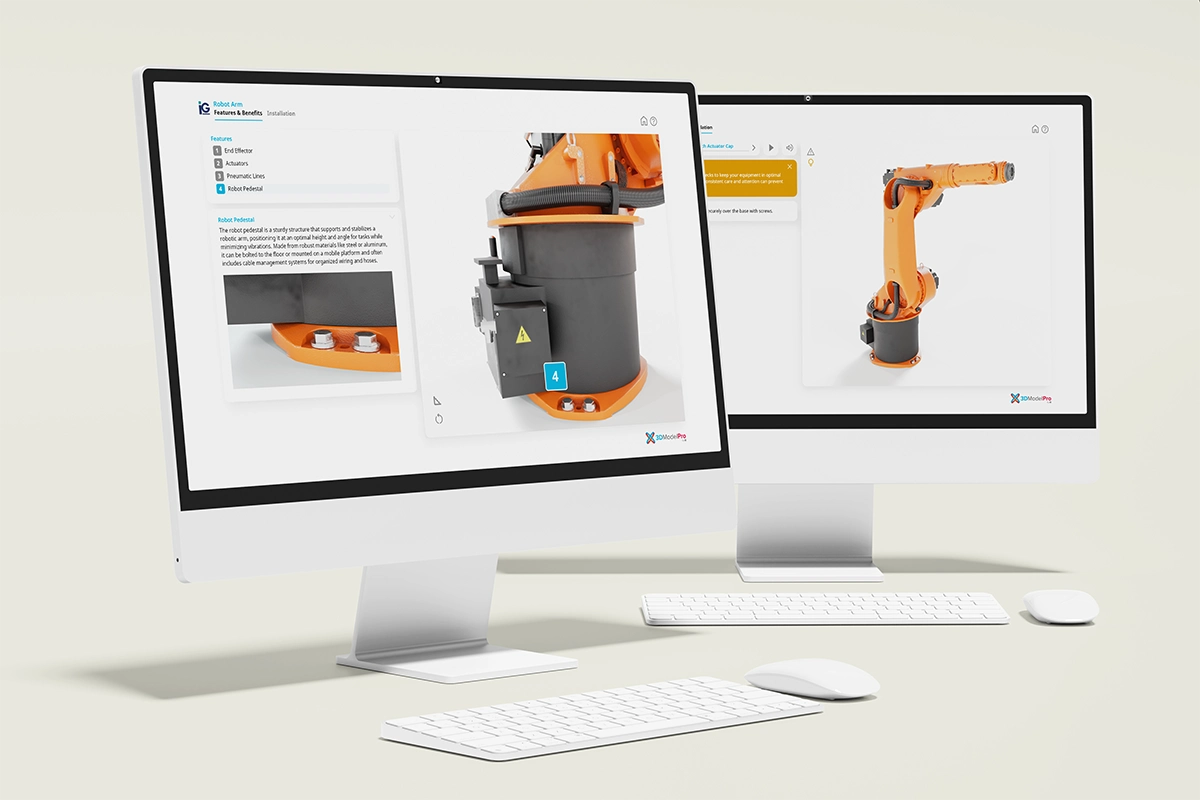
1. 3D Interactive Product Viewers
These are photorealistic, interactive 3D models built directly from your existing CAD files. It comes in handy, especially for dealers who need to demo large equipment. Dealers and sales teams can pull up a configurable 3D product viewer on a tablet, zoom into key components, isolate assemblies, and demonstrate functionality without needing a physical unit onsite. Even without a physical unit nearby, they’re able to show a 360-degree view of the machine and zoom in on specific parts.
See how Info-graphics built an interactive 3D viewer from the ground up →

2. Animated Assembly and Installation Sequences
For complex products, animation often communicates faster and more clearly than static documentation ever could. Frame by frame, the technician sees exactly what moves, what connects, in which direction, and in what order.
When Trex Decking needed to communicate precise installation steps for their decking systems, animation was the format that actually worked. It matched the idea that people learn more when they’re working with their hands.
See an example of how Info-graphics brings installation to life →
3. Exploded Views and Diagrams
A technician on the job site doesn’t have the time to comb through pages of documentation. They want to tap the part that’s giving them trouble and immediately see the torque spec, the part number, and the replacement procedure. That’s how exploded views and diagrams bring value.
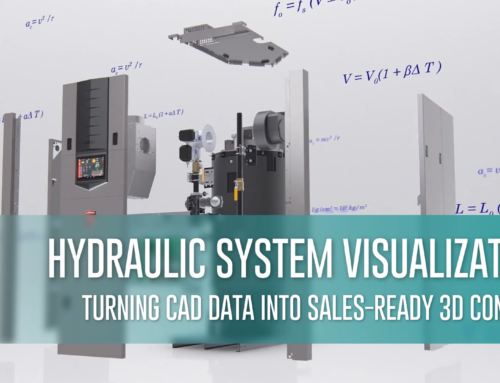
When every component in a machine is mapped out in a navigable diagram, a technician can easily see the part giving them trouble. This allows technicians to quickly identify the correct part number, torque specification, and replacement procedure without digging through pages of documentation. For complex industrial machinery with hundreds of serviceable components, exploded views and diagrams can lead to a meaningful reduction in the time and cost of every field service event.
See how Info-graphics approaches technical illustration and exploded views →
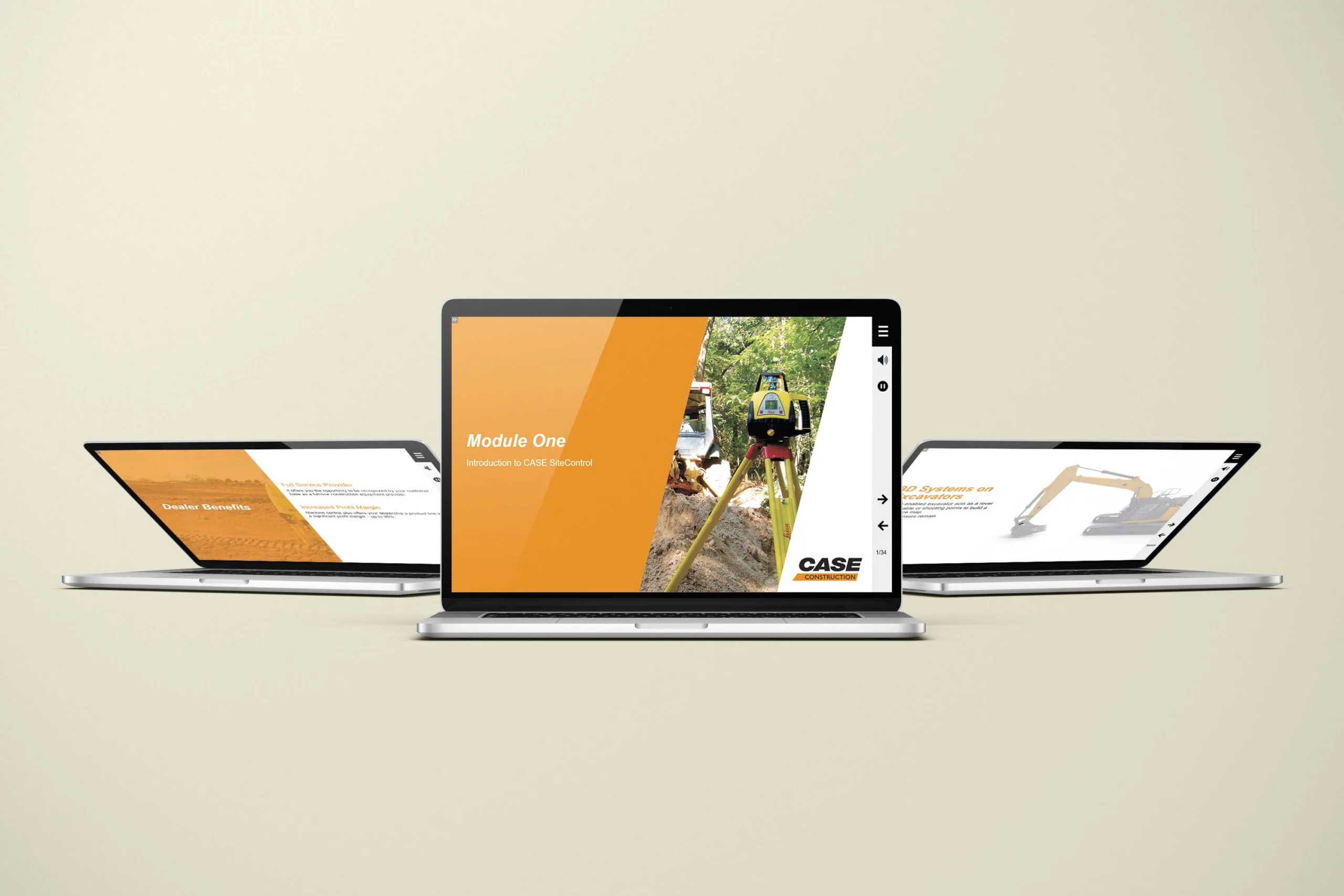
4. Computer-Based Training Modules
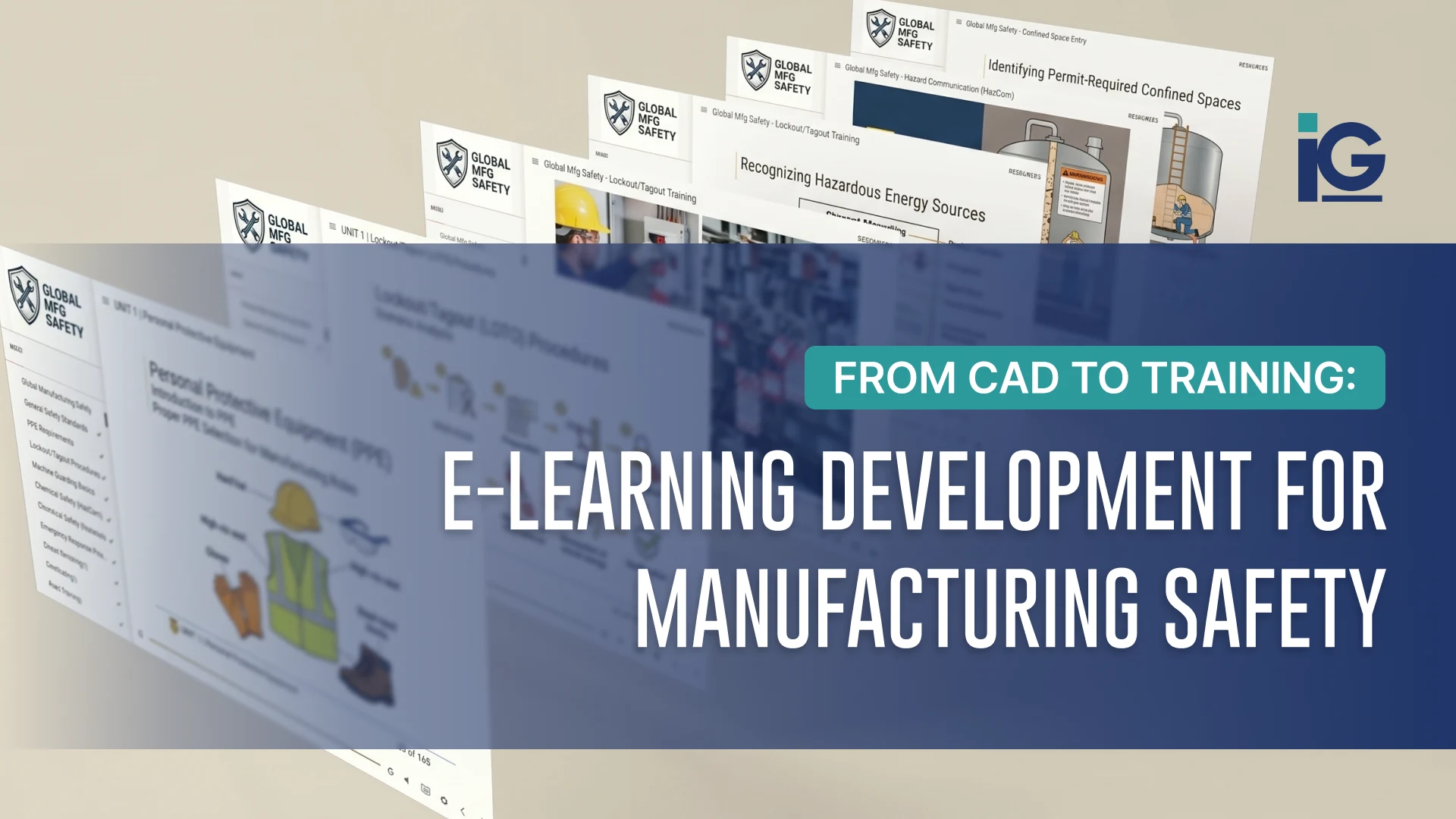
Reading about how to operate a machine is not the same as knowing how to operate one. At Info-graphics, we address this with structured, interactive training modules that are designed to improve knowledge retention and reduce training friction. The Case Equipment training modules are a good example of what this looks like in practice. Multi-module courses were built around their real procedures with interactive knowledge checks and branching scenarios reflecting actual use cases.
See how Info-graphics built training content for Case Equipment →
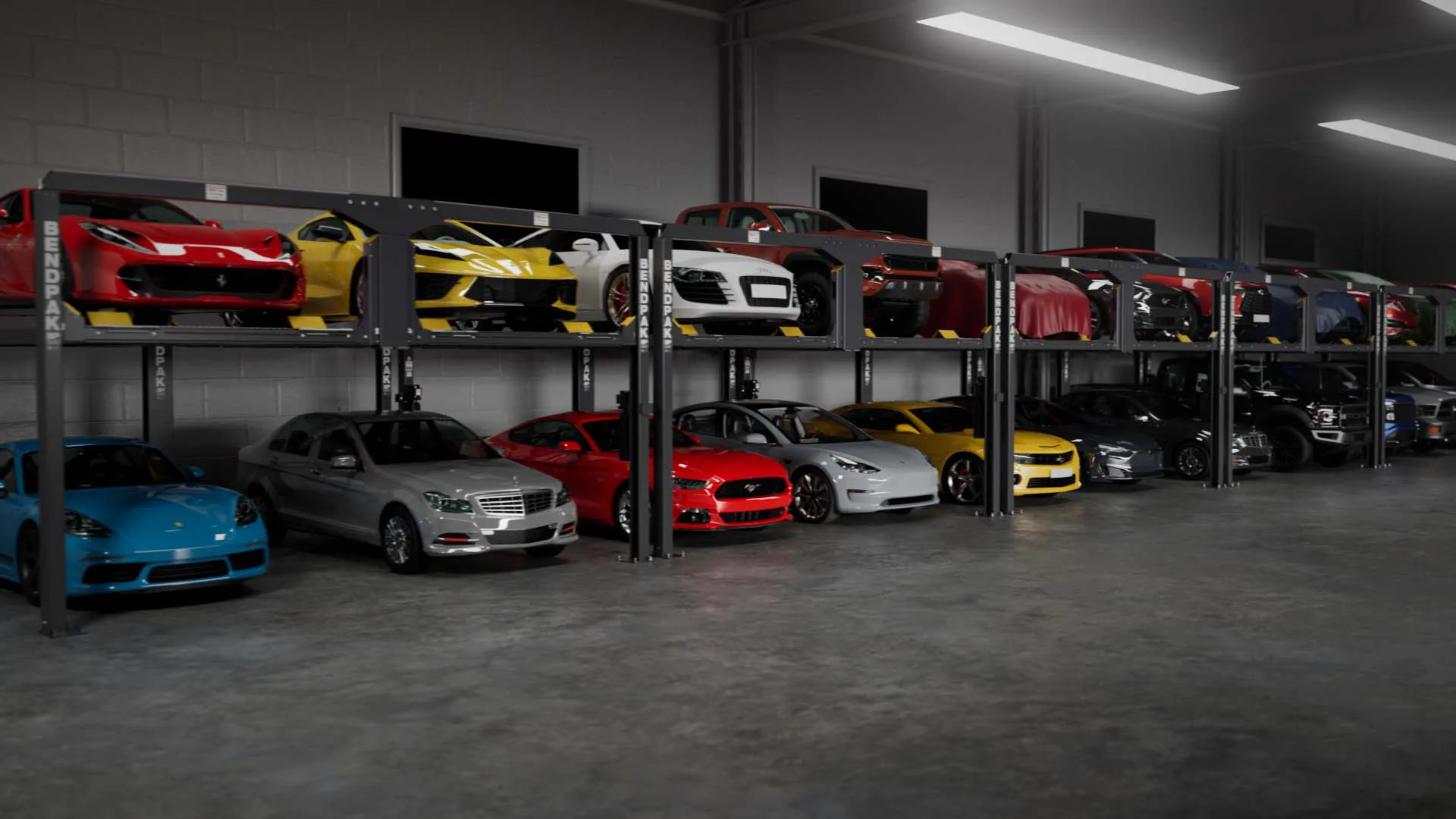
5. Product Launch Videos and Animations
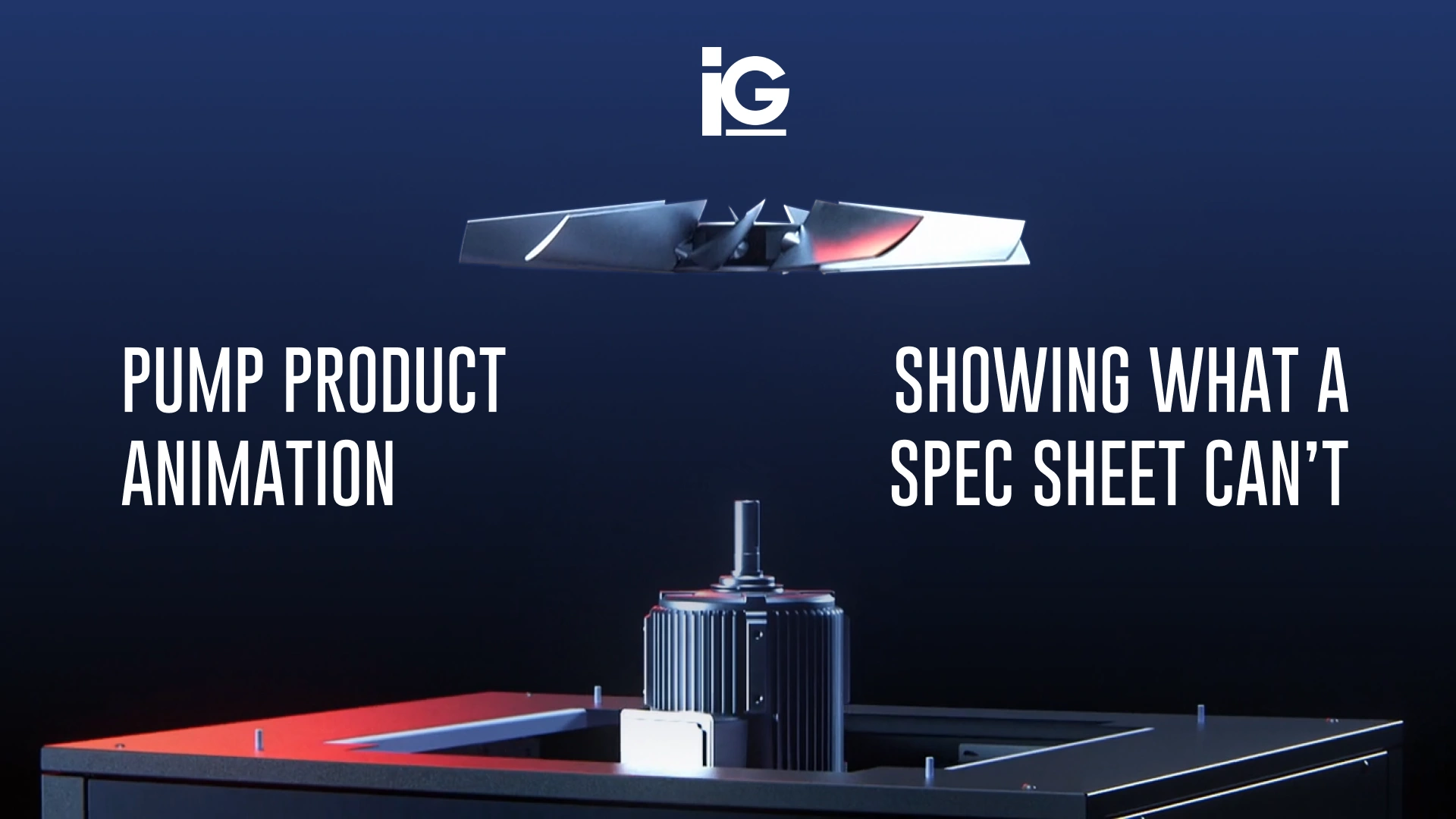
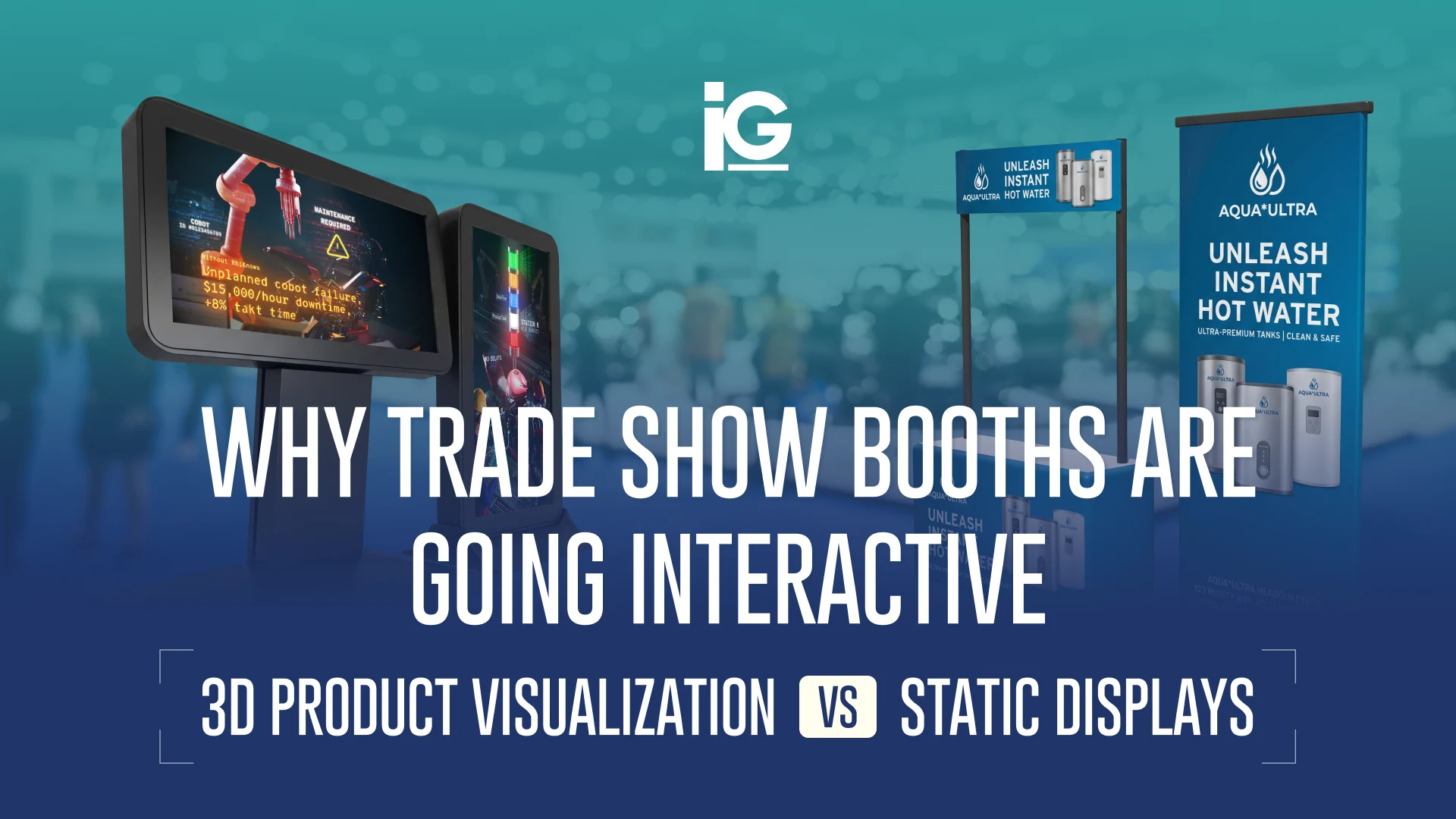
Technical specifications matter, but motion, context, and visualization often communicate product value more effectively. A product launch video can help you showcase your product in a way a spec sheet never could. These work on your website, at tradeshows, in sales decks, and in every channel where your product needs to make an immediate impression.
BendPak’s Puzzle Parking Lift is a good example of this. The product is mechanically clever because it’s a space-saving automotive lift system. However, it’s generally difficult to accurately describe in just writing. So, Info-Graphics produced an animation that shows the lift in close-up detail, walks through its features and benefits, and puts actual car models on it so it’s easier to grasp how it works.
Complex mechanical concepts become significantly easier to understand when users can see systems operating in motion and context.
See how Info-graphics animated the BendPak Puzzle Lift launch →
How Info-graphics Builds Interactive Documentation From Existing CAD Files
Many manufacturers already possess the engineering assets needed to create highly effective technical and marketing content — they just haven’t leveraged them that way yet. At Info-Graphics, working with our clients’ CAD files became the foundation of how we work.
Your engineering team probably has already invested significantly in building detailed CAD models of your products. Those files contain everything we need to produce photorealistic renders and animations. We transform those engineering assets into photorealistic visualizations, technical animations, interactive training tools, installation content, and sales enablement experiences.
Here’s how our usual process looks:
Step 1: We review your engineering assets
Before anything creative happens, we get into the technical details. We start by evaluating your existing CAD files and understanding your product at a technical level. We’re comfortable in engineering environments. We ask about installation sequences, common field issues, and configuration variations.
Step 2: We align on what your business actually needs
Content goals vary widely depending on where a manufacturer is in a product’s lifecycle. We help identify which content formats will create the greatest operational and commercial impact based on your audience, product complexity, and launch goals.
Step 3: We produce across formats at the same time
Since everything comes from the same CAD source, renders and animations are developed concurrently. We take pride in bringing out multiple assets in a single project. A product launch can have its e-commerce imagery, dealer training content, and installation animations ready at the same time.
Step 4: We sweat the details so you don’t have to
In technical content, small errors can compound into a bigger impact. A mislabeled component in a service diagram becomes a field error, and a misrepresentation of an installation can escalate to a support call. We treat accuracy as a non-negotiable.
At Info-Graphics, we review, check, and recheck again with the engineering source until the content is ready for the world. Technical accuracy is not optional in industrial content. We review every asset against engineering source material to ensure the final content reflects the product correctly before it reaches the field, dealer network, or customer.
Read more about how we work at Info-Graphics →
Let’s Talk About Your Project
Whether you’re preparing for a product launch, improving dealer training, reducing support burden, or modernizing technical documentation, interactive product content can help complex products become easier to understand, support, and sell.
Info-Graphics has spent more than 30 years helping manufacturers communicate technically complex products through animation, interactive experiences, technical illustration, and training content built directly from engineering assets.
If your product is difficult to explain, we can help make it clear.
Send us your challenge. It can be a product launch, a documentation overhaul, or a tradeshow coming up fast. We’ll tell you what we’d build, what we’d need from you, and what a realistic timeline looks like. No vague proposals and no discovery calls that go nowhere.
Start a project with Info-Graphics →
Not ready to reach out yet? See what we’ve built for manufacturers like yours first. Explore our work →


Leave A Comment