
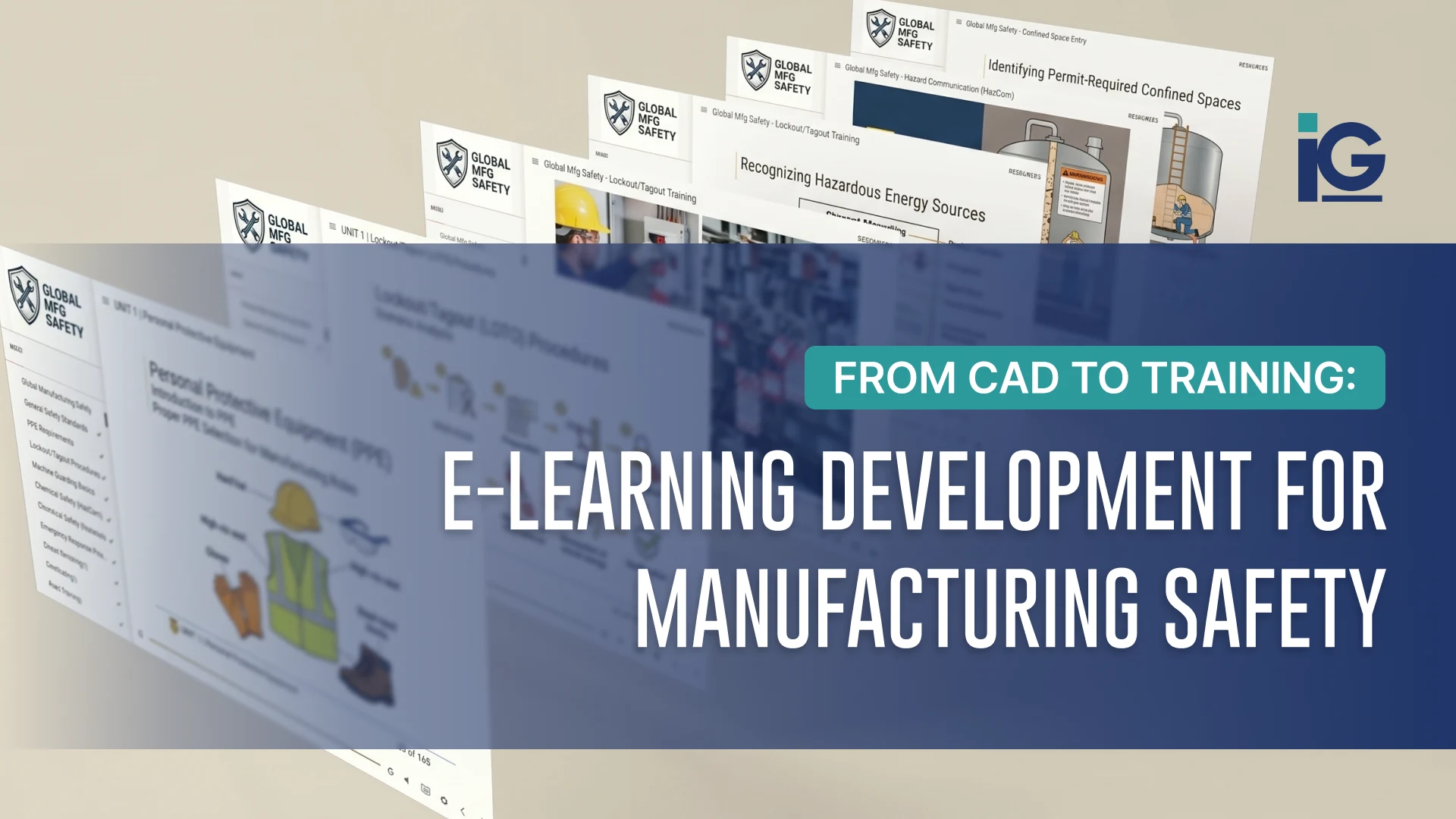
Custom e-learning for manufacturing safety helps organizations turn equipment information and approved safety procedures into clear, interactive training experiences. The safety requirements and procedures themselves come from the manufacturer or relevant subject-matter experts. An e-learning development service then transforms that approved content into custom online training that shows workers what to do and how to do it safely.
Unlike generic safety courses that explain requirements, custom e-learning puts those requirements into the context of your actual workplace. This is best for manufacturers with complex equipment, detailed safety procedures, or teams that need consistent, repeatable training across locations.
Making Manufacturing Safety Training Easier to Understand
Effective manufacturing safety training needs to do more than document completion. It also needs to help employees understand how procedures apply to the equipment and situations they encounter on the job. Here are three areas where visual training can make a difference:
1. Complex equipment is difficult to explain with text alone
Manufacturing safety training has to communicate more than rules. Employees need to understand how those rules apply to the equipment, procedures, and situations they encounter on the job. Although written instructions are still effective, they may not clearly show what employees need to see, such as:
- • How components move
- • Where hazards are located
- • How parts fit together
- • Where lockout/tagout points are located
- • Where employees should stand
- • What steps need to happen, and in what order
Animation, 3D models, and technical illustrations can make these details easier to visualize.
2. Safety procedures depend on sequence
Knowing what to do is only part of many safety procedures. Employees also need to understand when, where, and in what order each step should happen.
For example, a training module could show a procedure from start to finish, then use an interactive scenario to test whether the learner can identify the correct next step. Branching scenarios, animations, simulated learning experiences, and knowledge checks can turn a procedure into an experience employees can practice rather than simply read.
3. Training has to reflect the actual equipment
Generic photos and diagrams may explain a concept, but they don’t always reflect the equipment employees use every day. That disconnect can make it harder to apply training on the job.
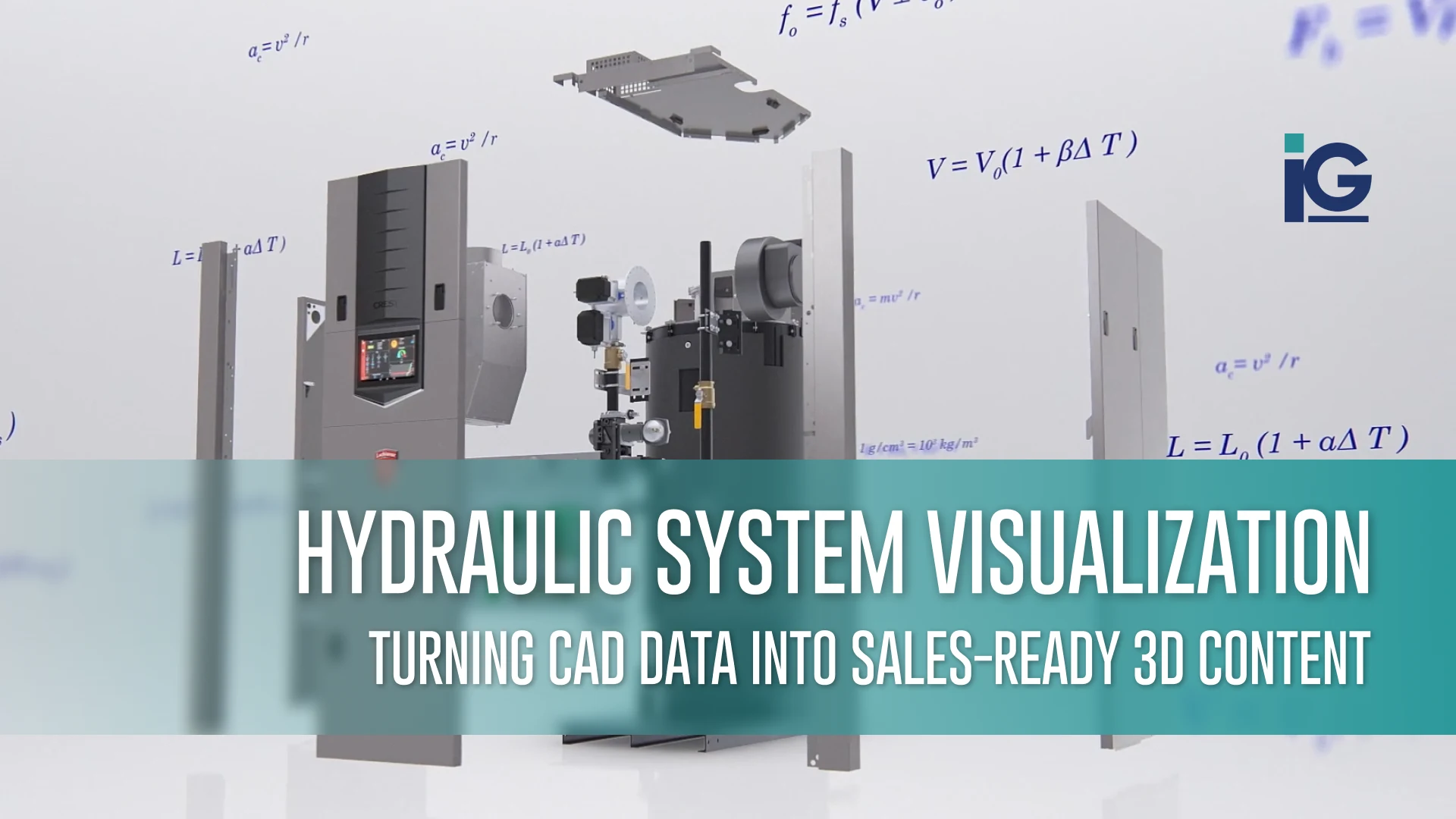
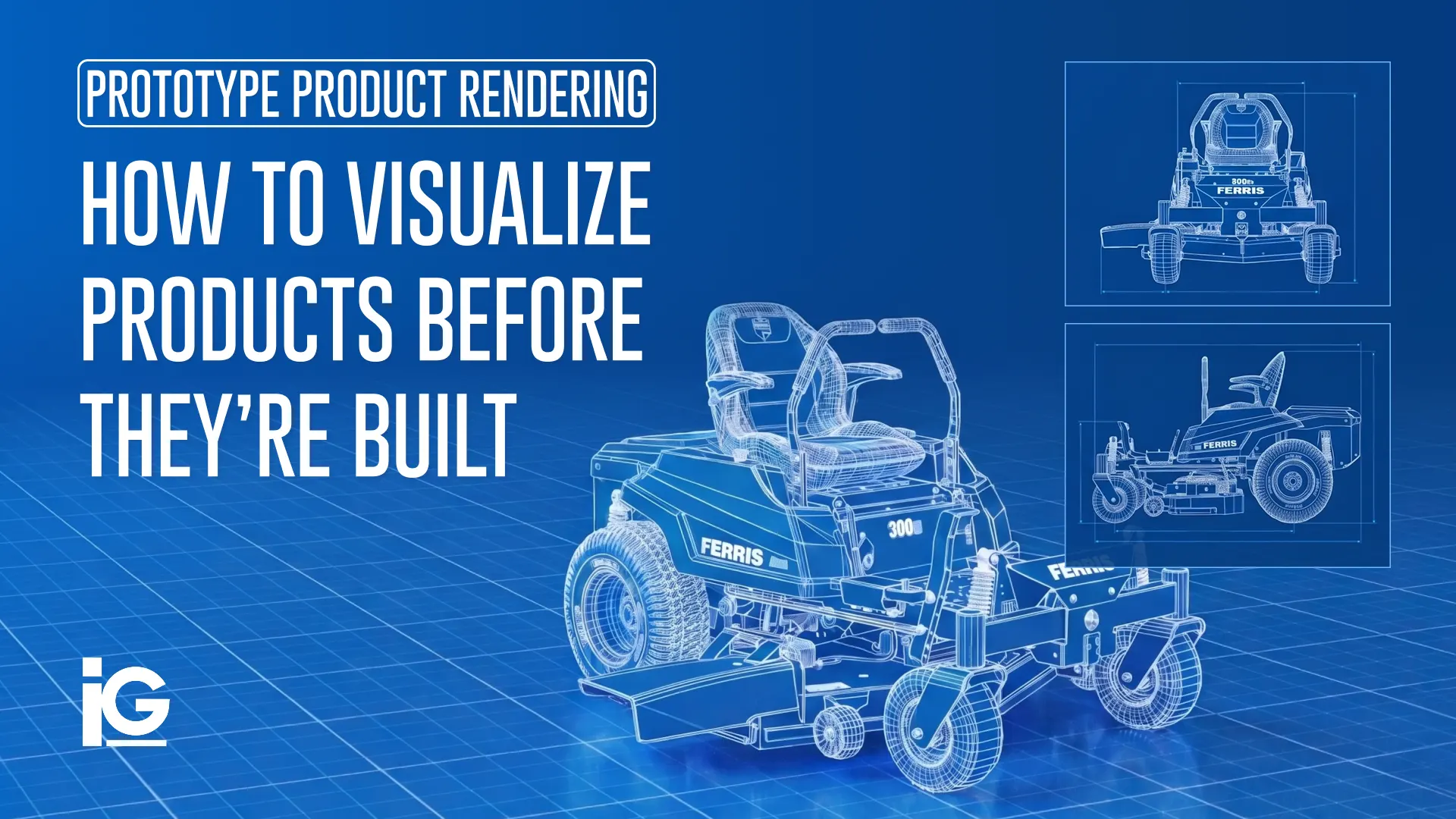
CAD files and engineering drawings provide a more accurate starting point. They can be used to create 3D models, animations, exploded views, and other visuals of the actual equipment, helping to connect the training to what employees see on the manufacturing floor. Starting from CAD helps maintain visual consistency and technical accuracy across training materials, so learners see the same equipment in every module.
Safety Training Formats That Can Be Built From CAD
The right format depends on the task, the learner, and where the training happens. Most programs mix several formats to help employees understand both the equipment and the procedures they need to follow.
| Format | Best for | Example Use |
|---|---|---|
| Interactive E-learning Modules | Required annual and onboarding training with tracked completion | Machine operation, PPE requirements, hazard recognition, and safety procedures |
| 3D Procedure Animations | Processes that are difficult or unsafe to demonstrate in person | Lockout/tagout sequences, machine startup/shutdown, or maintenance procedures |
| Cutaway and Exploded Illustrations | Showing internal components, assemblies, and hazard points | Identifying moving parts, pinch points, energy sources, or safety features |
| Microlearning Refreshers | Quick training updates and reminders between formal courses | PPE checks, safety steps, warning signs, or procedure reminders |
| Scenario-Based Assessments | Testing how employees apply procedures in real-world situations | Choosing the correct response to a machine malfunction or unsafe condition |
Why Build It From CAD?
Building from CAD is also a more efficient way to produce training. Since the models already exist, equipment doesn’t have to be recreated from scratch for each course, which can shorten production time. One set of engineering files can support e-learning modules, animations, technical illustrations, and other product communications. When equipment or procedures change, the source models can be updated and carried into revised training instead of starting over. Over time, that reuse creates more value from the engineering work manufacturers have already invested in.
What Manufacturers Can Take From the Case Equipment Project
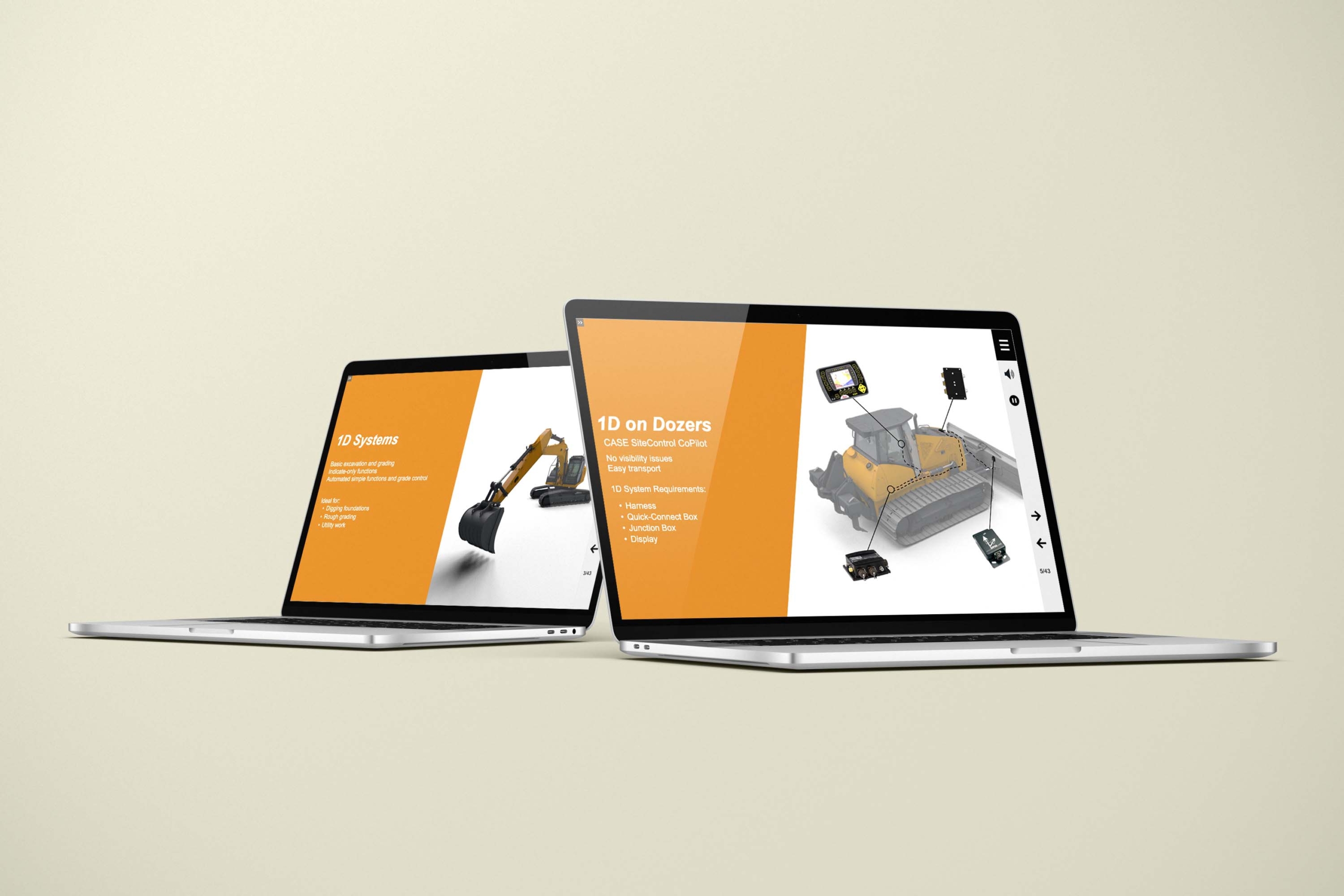
Case Construction Equipment was rolling out new technology across its high-performance construction machines. Dealers and employees needed to understand how it worked and when to apply it.
Info-Graphics translated that technical information into computer-based training (CBT) modules covering real use cases and applications. Using technical drawings and animation, the training showed learners how the technology functions within the machine rather than relying on written explanations alone.
While this project centered on product technology, the instructional approach carries over to safety training. Start with accurate technical information about the machine, then turn it into interactive learning that shows employees how to apply it on the job.
Read the full project details →
What Manufacturers Can Take From the Case Equipment Project
Your engineering models, drawings, and procedures already contain the information employees need. The challenge is turning that information into training that is clear, engaging, and easy to apply on the job.
For more than 30 years, Info-Graphics has helped manufacturers and organizations transform complex information into visual content people can understand. Our capabilities span CAD-based visualization, 3D animation, technical illustration, instructional design, interactive e-learning, and computer-based training, allowing us to take a project from technical source material to a complete learning experience.
There are many ways to develop an e-learning course. Our work brings together technical visualization, CAD expertise, animation, instructional design, and interactive development, so the accuracy of the original engineering carries through to the finished training.
Whether you need to explain new equipment or demonstrate a safety procedure, we can build the training around your actual products and processes. Our team can also help create consistent learning experiences for distributed workforces.
Have a machine, procedure, or CAD model that could benefit from clearer training? Talk with our team about how your existing technical assets can become an effective learning experience.
Frequently Asked Questions (FAQs)
E-learning development for manufacturing safety compliance creates custom digital training around a manufacturer’s equipment, procedures, hazards, and safety requirements. The requirements and approved procedures come from the manufacturer or relevant subject-matter experts; the e-learning developer turns that content into clear, visual, interactive training.
Yes. CAD files can be used to create 3D models, animations, technical illustrations, and interactive training that accurately represent the equipment employees use.
CAD-based training can cover equipment operation, hazard identification, maintenance procedures, lockout/tagout processes, emergency procedures, and other technical safety topics.



Leave A Comment