

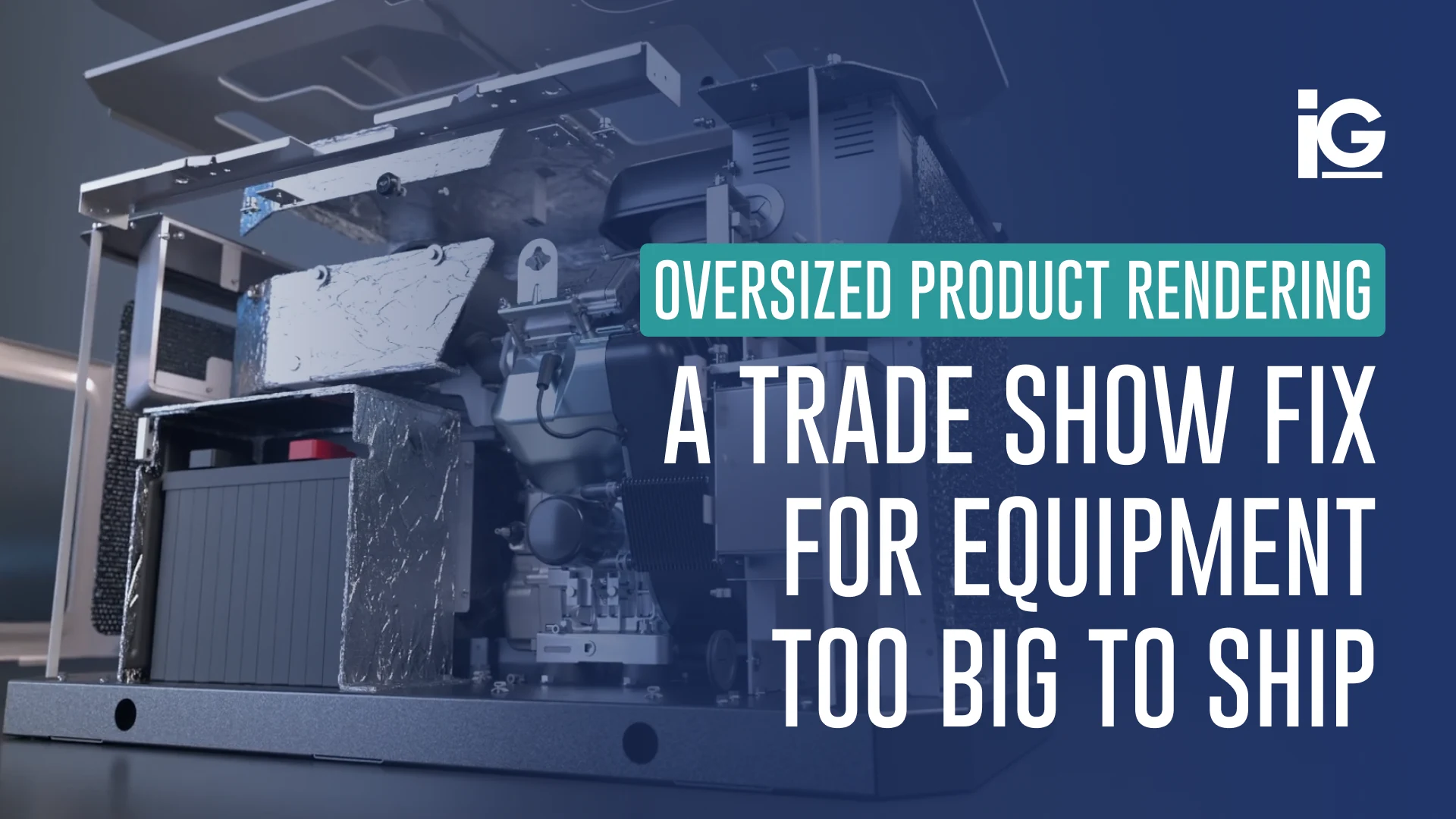
There are often situations where products or equipment can’t be captured well in photographs because they’re too big, too complex, or too expensive to stage properly. You can’t exactly wheel a commercial HVAC unit into a studio or shoot an entire product lineup across twelve finish options without burning through a budget. Still, your catalogs need hero images, and your sales team still needs something to put in front of buyers.
Fortunately, your engineering team might have already done most of the work, even without realizing it.
You don’t need to start from scratch to get photorealistic 3D images for your product catalog, sales, or marketing materials. At Info-Graphics, we’ve spent more than 30 years building catalog-ready imagery directly from the CAD files you already have. We’re not a photography studio, but we’re a creative agency specializing in technical content.
Here’s how you can work with us:
Step 1: Pull Together Your CAD Files
Take inventory of what your engineering team already has: CAD models, 3D design files, spec sheets, samples, or even reference photography. You don’t need to have everything to start a conversation with us, but knowing what you have helps us scope the project accurately and move faster once we engage.
You’d be surprised by how much usable source material already exists in your engineering systems. If your product has been through any stage of digital design, there’s a good chance we can work with it. If you’re unsure whether we can work with a specific file format, bring it anyway. We’ve worked across enough file types and engineering environments that format is rarely the blocker people expect it to be.
Step 2: Tell Us What Your Catalog Needs
Catalog projects come in different styles, formats, and requirements. A single product launching on Amazon needs something different than a 40-SKU print catalog going to a national retail buyer. To ensure we create assets that make sense to you, we need to understand what you’re building and where it’s going.
Our team at Info-Graphics usually starts with the questions:
- How many products need rendering?
- What formats do you need (hero on white, lifestyle environments, variant sets, 360° viewers, or a combination)?
- Where do you plan to publish the content (e-commerce, print catalog, tradeshow, sales deck, or all of the above)?
- What’s your timeline, and do you have a hard deadline tied to a launch or a buyer presentation?
The clearer your picture, the faster we can tell you what’s buildable, what it takes, and what a realistic scope looks like. We’re going to ask you specific questions so we can also give you specific answers.
You can talk to the Info-Graphics team today to start the process.
Step 3: Let Us Dig Into the Technical Details
Once we’re aligned on scope, our team reviews your engineering assets closely. This is what sets us apart from typical photography studios. They can capture what’s only in front of the lens, and we study what’s inside your files.
Before a single render is built, we go through your CAD models against your product specs so we’re confident we can represent your product accurately. We look for things like the way a finish behaves under different lighting conditions, how a component sits relative to adjacent parts, and even where a product’s design details are most likely to get lost at catalog scale.
Other vendors might not ask about any of this because they don’t have the technical background to know it matters. We do. It’s what keeps our renders from looking like renders.
Step 4: Choose the Right Render Formats for Your Channels
Everything we build comes from the same CAD source; that’s why we’re able to produce formats in parallel. This is a significant timeline advantage over traditional photography workflows. For a product launch, this means your e-commerce assets, print catalog images, and web interactive content can all be ready at the same time.
Here’s what that output looks like depending on your catalog needs:
- Hero Images on White: clean, detail-accurate product shots ready for e-commerce listings and retail spec submissions
- Lifestyle Renders: Product placed in a real-world environment, showing scale, use, and context without a location shoot
- Variant Renders: Every color, finish, and configuration produced consistently from the same base model
- Interactive Product Viewers: For web-native catalogs where buyers need to explore the product beyond a static image
Not sure what to expect? Take a look at what we’ve built for brands like yours.
Step 5: Review, Refine, and Go Live
Before any asset leaves our hands, we check everything against your engineering reference. Material accuracy, finish fidelity, dimensional representation, consistency across SKUs — we check all of it. If something is off, we catch it here, not after it’s already live on a product page.
Once assets are approved, you get catalog-ready files in the formats your team and your retailers need. If something changes down the line, we go back to the source file and update it. You don’t need to reschedule a shoot or start over; we’ll just revise the render.
Ready to Get Started?
If you need a product catalog but photography isn’t a realistic option, we’re ready to take a look at what you have.
Send us your project details, your CAD assets, and your timeline. We’ll tell you exactly what we’d build, what we need from your team, and how long it realistically takes.






Leave A Comment