

Online shoppers today expect to understand a product well before they reach checkout. Static photos rarely give customers the confidence they need, especially when the product has details, moving parts, or multiple customization options. This is where interactive product viewers come in. Businesses across the eCommerce, manufacturing, and consumer product industries are now adopting interactive visualization to create a more engaging and believable product experience.
This article covers the definition and function of the interactive product viewer, how it benefits your product pages, and why more brands are investing in this type of visual content.
What Is an Interactive Product Viewer
An interactive product viewer is a digital tool that allows customers to explore a product online with a level of freedom that feels close to an in-store experience. Instead of relying on flat images, visitors can rotate, zoom, inspect details, change colors, and even watch parts move in real time. It answers the online consumer’s most significant concern: “What does this really look like in real life?”
Interactive product viewers are often built using high-quality 3D models and rendering. These models can be displayed as 360-degree product spins, touch-controlled 3D objects, or full product configurators that let shoppers customize features. Compared to traditional product videos or photo galleries, interactive viewers give customers control. They choose which angle to explore, which features to test, and which details matter most to them.
For brands that rely heavily on visual accuracy and detail, an interactive product viewer immediately elevates product credibility and user experience.
Core Functions of an Interactive Product Viewer
The strength of an interactive product viewer lies in what it can do for both the customer and the business. Here are the essential functions.
1. 360 Degree Rotation
Users can rotate the product from any angle. This helps them understand its shape, proportions, and overall design without guessing.
2. Zoom and Detail Inspection
Customers can zoom in on textures, materials, stitching, technical components, or fine details that would be missed in standard photos.
3. Product Animation
Some products have mechanical or functional parts. Interactive viewers can animate these moments, such as doors opening, components folding, lids lifting, or mechanisms moving.
4. Change Colors and Materials
Users can switch between colors, finishes, or materials instantly. This is especially useful for furniture, electronics, automotive accessories, and products with multiple variants.
5. Add or Remove Components
Customers can explore product bundles or modular parts. They can preview add-ons, attachments, or optional accessories
6. Compare Variants in Real Time
A viewer can display variations side by side, allowing shoppers to easily compare differences before deciding.
7. Optional AR Integration
Some interactive viewers support augmented reality, allowing users to place the product in their space using a mobile device.
Each of these functions helps customers understand a product more clearly, reduces uncertainty, and supports more confident buying decisions. For a closer look at how interactive visuals explain complex mechanisms or motion, explore how 3D technical animation transforms early concepts into a complete, easy-to-follow experience.
Why Businesses Need it Today
Investing in an interactive product viewer is no longer just about improving visuals. It has become a strategic shift that influences conversions, customer satisfaction, and overall brand credibility. As more businesses upgrade their product pages, the industry is moving toward richer digital experiences that mirror the growing importance of 3D animation and design services. Companies that adopt these tools early are already seeing stronger engagement and deeper product understanding. Here are the key reasons behind this shift.
1. Higher Conversions
Shoppers are more likely to buy when they understand the product. Interactive viewers increase engagement time and help visitors feel confident in their decision.
2. Fewer Product Returns
When customers can inspect a product properly before buying, there are fewer surprises upon delivery. This reduces return rates and support tickets.
3. Better Demonstration of Complex Products
Products with technical details or moving parts are difficult to communicate using static photos. Interactive viewers make complex items easier to understand.
4. Stronger Customer Engagement
Interactive exploration keeps visitors on the page longer. The more they interact, the more invested they become in the product.
5. Modern Customer Expectations
Today’s buyers prefer interactive, immersive online shopping experiences. Brands that do not adapt risk feeling outdated.
6. Competitive Advantage
Most product pages still rely on simple photos. Offering an interactive viewer sets your brand apart and positions your business as more innovative and customer-focused.
Many brands partner with visualization experts to build custom interactive product viewers. This ensures high-quality graphics, fast load times, and seamless integration into their website.
Best Use Cases Across Industries
Interactive product viewers work across a wide range of industries. Here are some examples that attract both B2B and B2C traffic.
Furniture and Home Goods
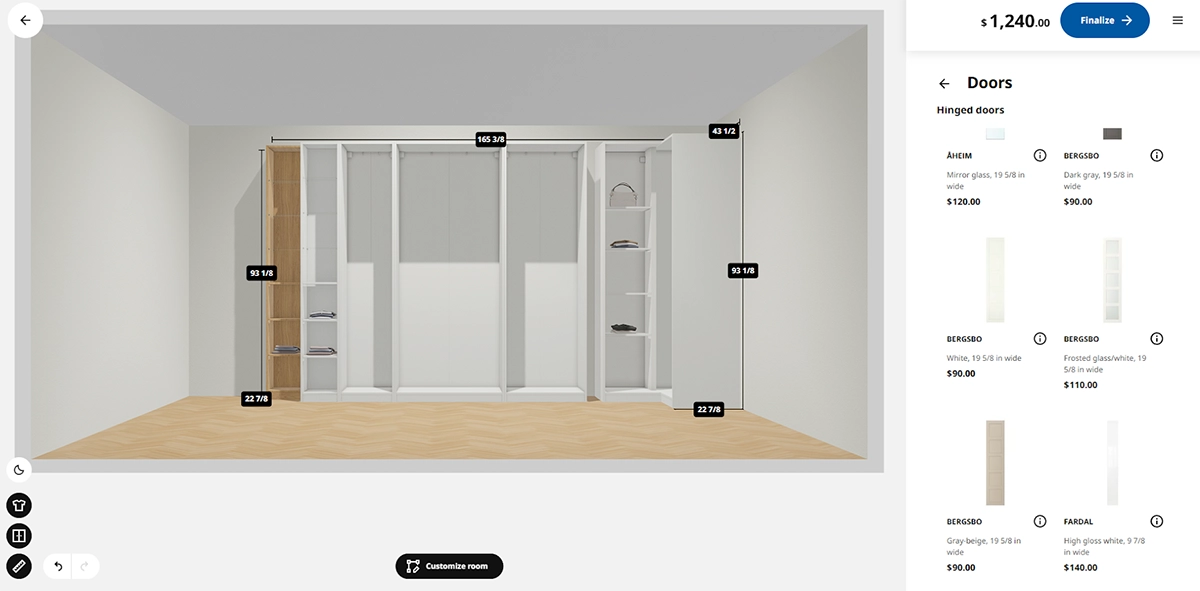
For many consumers, especially those settling into a new place, choosing furniture that actually fits saves time, money, and energy. Even style-focused shoppers and niche creators online want their curated pieces to match the aesthetic they are building.
IKEA figured this out early. Beyond serving meatballs, they have long offered online planning tools (and expert planners) that let customers plan and budget their rooms in advance. The PAX planner even previews how a custom wardrobe or shelving setup will look before you buy. It all points to a simple truth: customers want to check textures, materials, and scale before committing to a purchase.
Consumer Electronics
The consumer electronics space is fiercely competitive, with new brands emerging each year to compete with industry giants. It is no longer just about who launches the flashiest gadget, but who presents it through a smarter, sleeker website that aligns with their branding. Many of these sites are praised, copied, or “heavily inspired” across the industry.
Samsung is a good example. They offer a simple simulator that lets users try out how their phone or tablet works before buying. It is mostly static but surprisingly helpful for anyone setting up a new device or troubleshooting fundamental issues without calling customer support. It also allows shoppers to explore products from home, giving them a clearer idea of what they are getting without having to go to the store.

Industrial and Manufacturing
“What?” is a pretty standard first reaction when you open a long, overly technical manual for something as simple as a plug-and-play Wi-Fi router. If a basic home device can be confusing without visuals, imagine working with industrial-scale equipment and repeatedly interpreting the exact, dense instructions. The bigger the system, the harder it is to understand without clear, visual guidance.
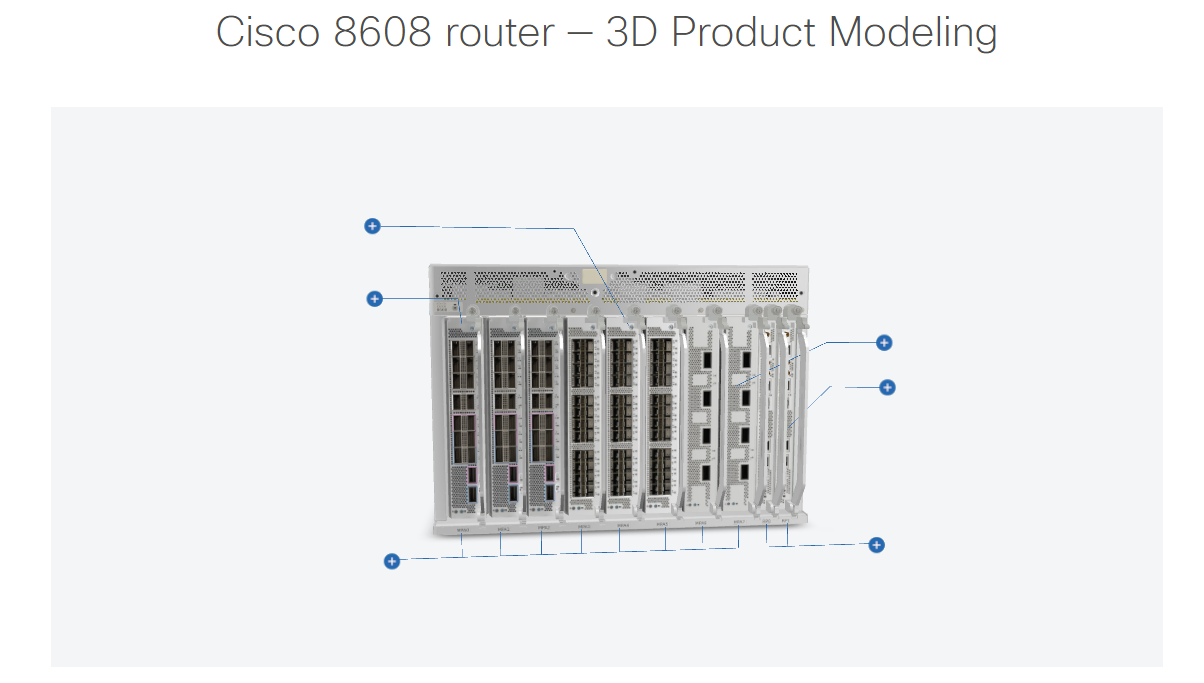
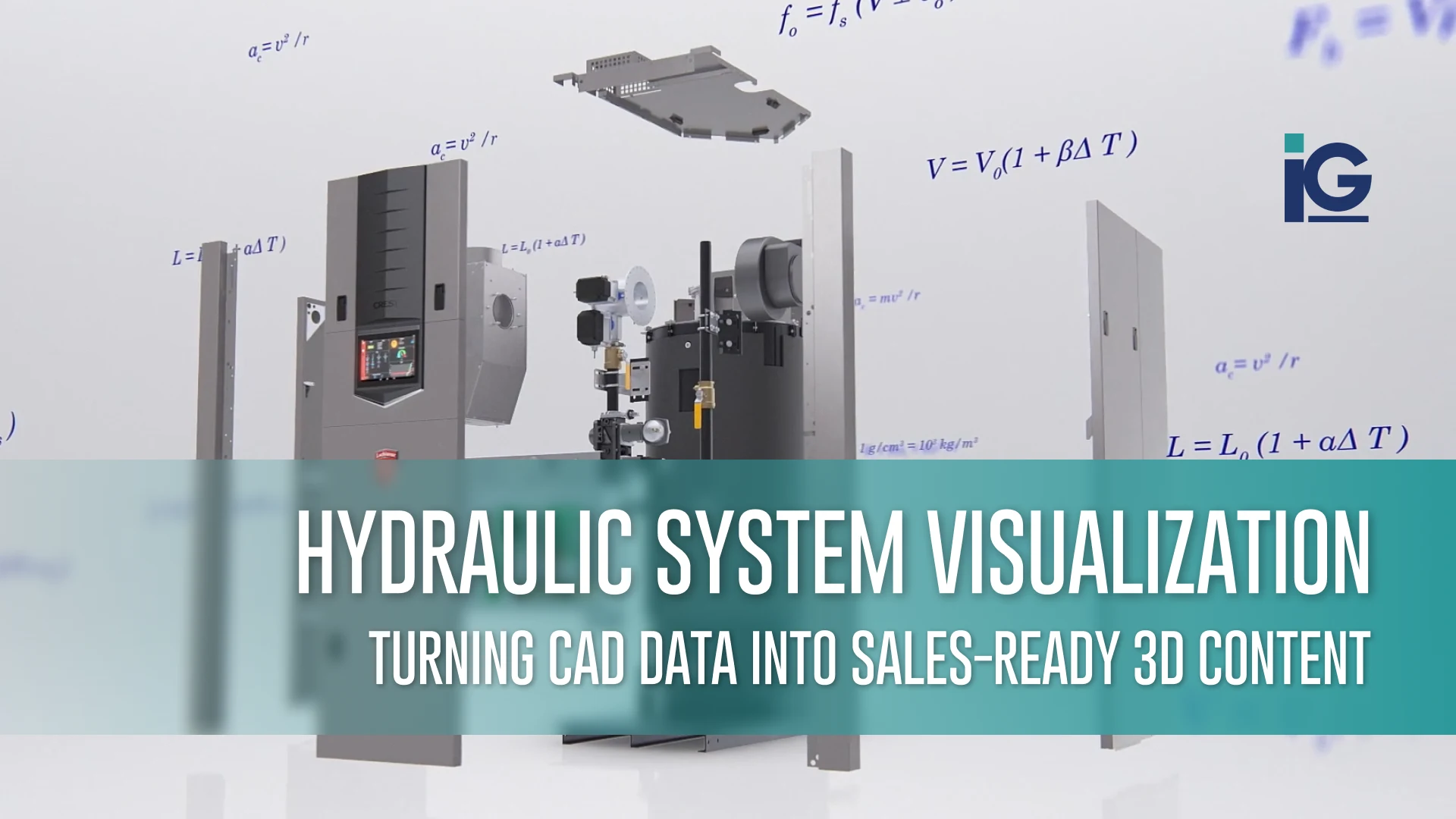
That is why companies handling complex equipment, such as those using Cisco’s networking systems, benefit significantly from strong visual support. Cisco’s 3D product modeling illustrates how modern infrastructure integrates networking, security, and collaboration. Even the most innovative technology becomes easier to understand when people can actually see how its components connect and operate. Interactive visuals give teams a more straightforward, more intuitive way to learn about technical equipment, far beyond what text-heavy manuals can offer.
Medical Devices
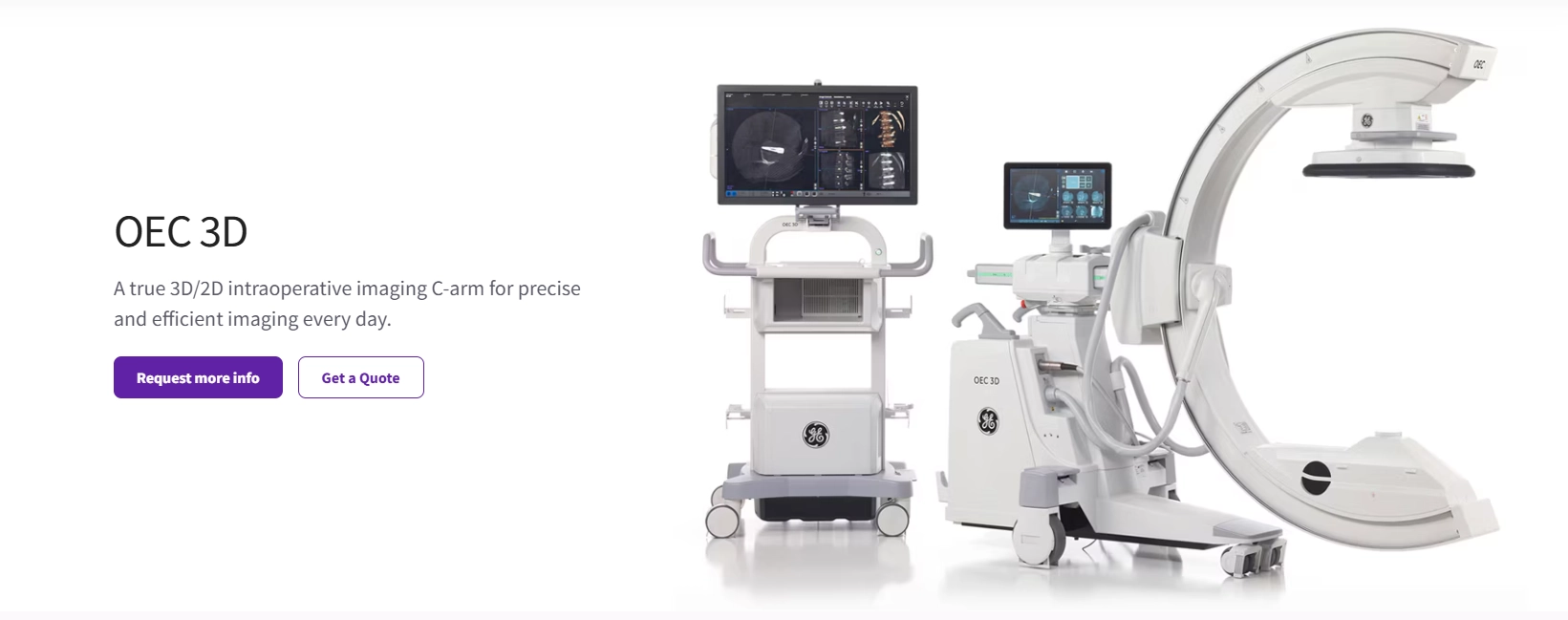
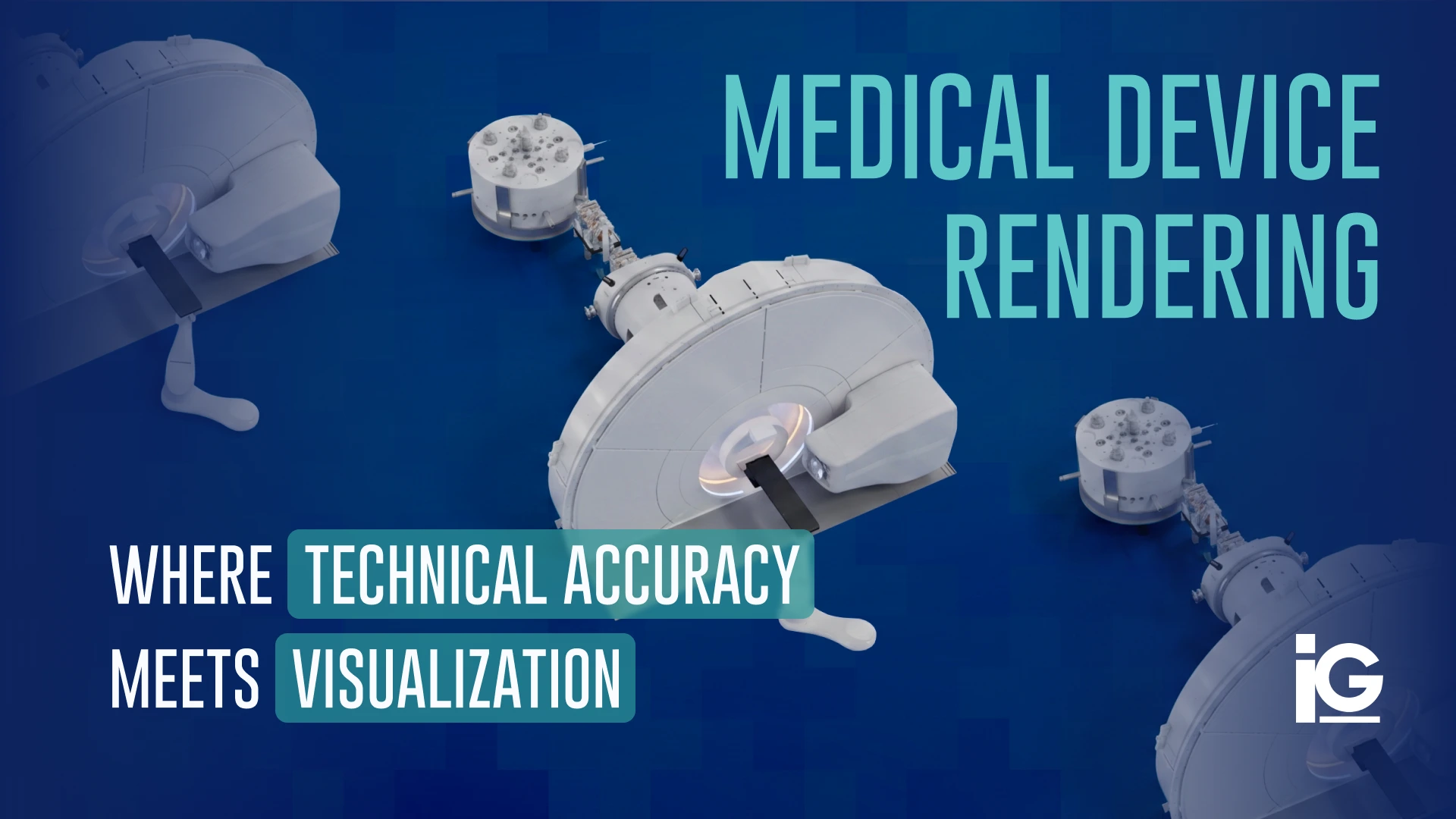
Medical devices often feature intricate features that are difficult to understand from static photos alone. Clinics, healthcare providers, and procurement teams need to examine components closely, understand how a device functions, and determine whether it fits their workflow. Even without handling the device in person, a well-crafted 3D render lets clinics and buyers inspect design details up close and feel more confident about their choice. Accurate 3D visualization makes this process significantly easier by clarifying functionality well before the equipment is purchased or deployed.
Fashion and Accessories
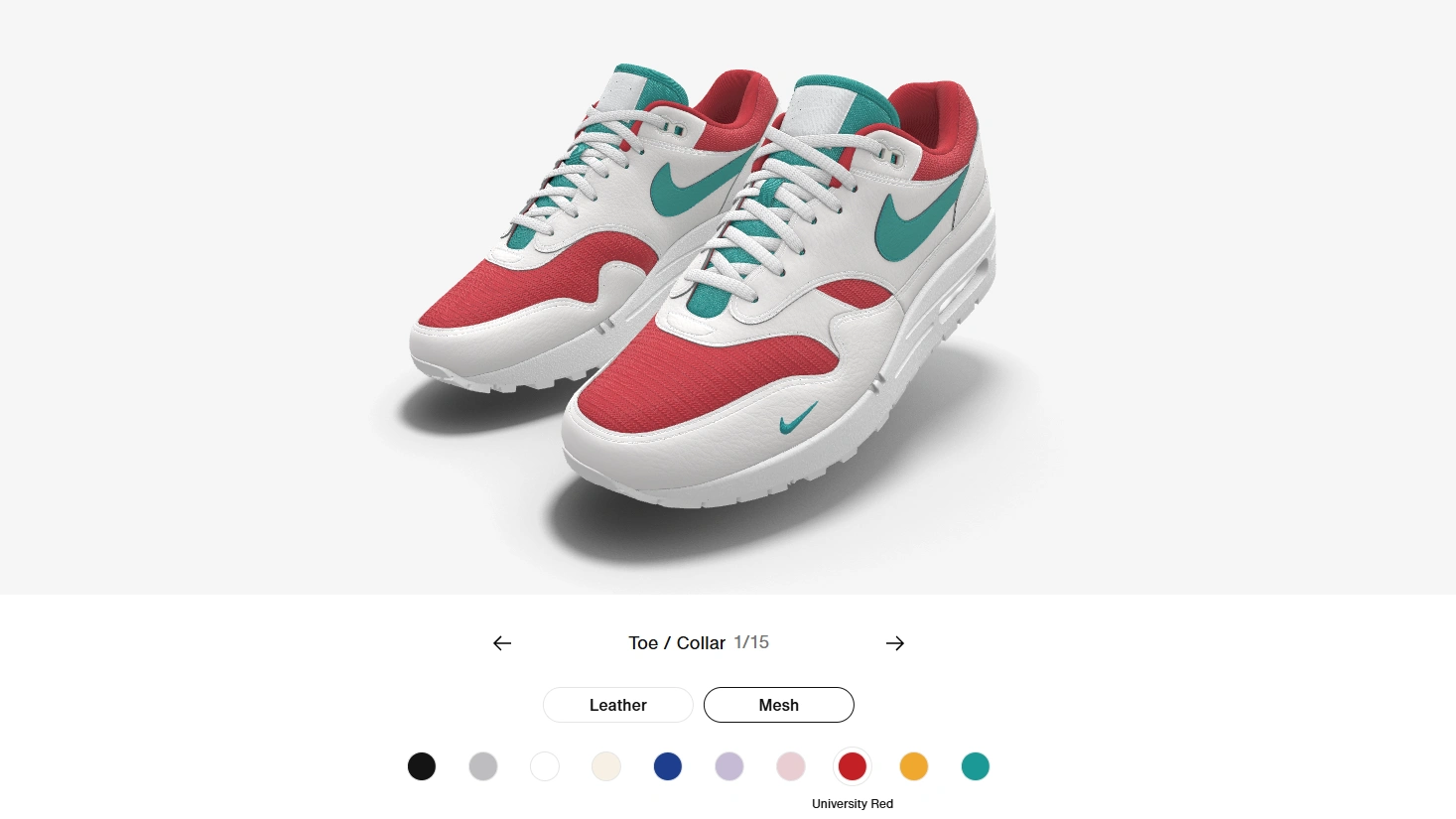
In fashion, shoppers want more than flat product shots. They want to see how materials look up close, how colors change under light, and how a design holds its shape. Nike understood this with Nike By You, which lets customers explore sneakers in 3D and customize every detail in real time. Even without handling the item in person, a well-crafted 3D render lets customers inspect design details up close and feel more confident about their choice. This kind of interactive visualization helps shoppers understand style, fit, and finish long before the shoes ever hit their doorstep.
Automotive Parts and Accessories
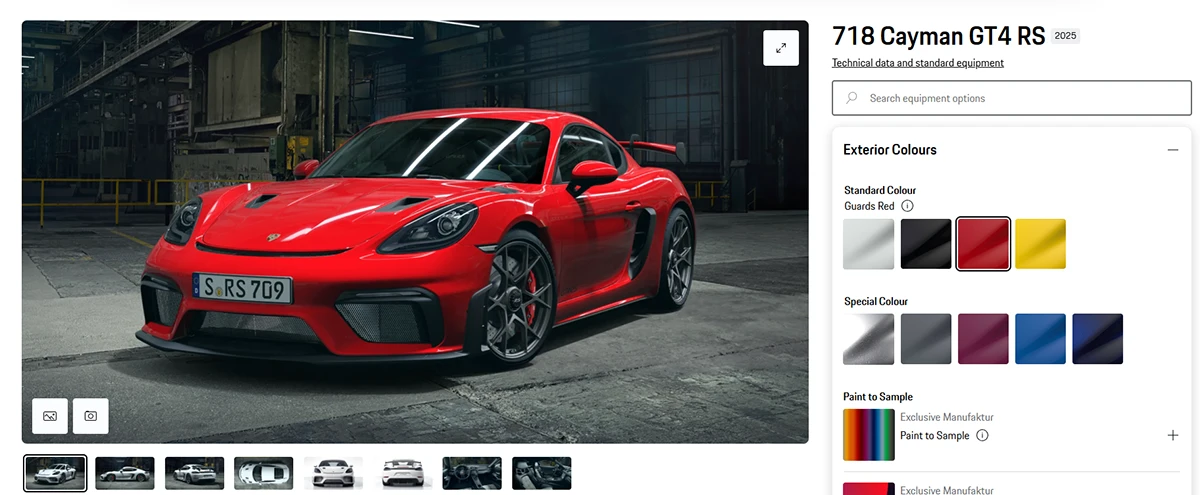
The automotive industry has long embraced interactive 3D tools because customization is a significant part of the buying experience. Luxury brands set the standard here, with configurators that let shoppers rotate a vehicle, swap wheel designs, preview brake caliper colors, or explore interior materials up close. Porsche’s configurator is a prime example, allowing users to change trims, upholstery, and small details like stitching and seatbelt colors, with updates displayed in real time.
Even for individual parts and accessories, this level of 3D visualization helps customers understand how something will look and fit before they commit. It gives drivers a clearer sense of design, compatibility, and overall finish without visiting a showroom.
Why It Helps to Work With Experts Who Understand Interactive Visualization
Interactive product viewers only work well when every detail feels natural, from how a material reacts to light to how smoothly a component moves when the user interacts with it. That balance of accuracy, clarity, and usability shapes a genuinely helpful product experience, and it benefits from thoughtful design and technical discipline.
Info Graphics focuses on creating visuals that make products easier to understand. The work involves precise 3D modeling, clean textures, purposeful animations, and features that support how customers naturally explore an item. Just as important, the final viewer must load quickly and integrate seamlessly with your existing website without disrupting the user experience.
For teams looking to present their products with more clarity and impact, partnering with specialists who handle both the creative and technical details can make a noticeable difference. And if this is the kind of work you want to explore further, we can work together to create something that aligns with your goals. Info-Graphics also provides more details on the approach behind these interactive visuals for anyone interested in how the process comes to life.






Leave A Comment